How to Check Payment Receipts for Deposits
To check a payment receipt, compare the image with the payment you received in your payment account and with the matching booking. A receipt is proof the client provides, not an automatic confirmation from the bank.
By the Citalu team
Match the payment to the booking
Check which appointment it belongs to, how much was requested and which payment method was named. If one person paid for another, write down how the two are connected so you don't approve the wrong booking. Don't rely only on a name in the image looking familiar.
Resolve one specific difference
An unreadable reference, a different amount or a payment that doesn't show up yet needs a follow-up. Say exactly which detail is missing. Never ask for passwords or bank access codes to check a deposit.
Review within the deadline
Set times to review receipts, and pick someone to cover when you're with a client. Watch the deadlines on pending requests. Before you reject a receipt for good, decide whether to ask for a corrected receipt or release the booking.
How to put it into practice
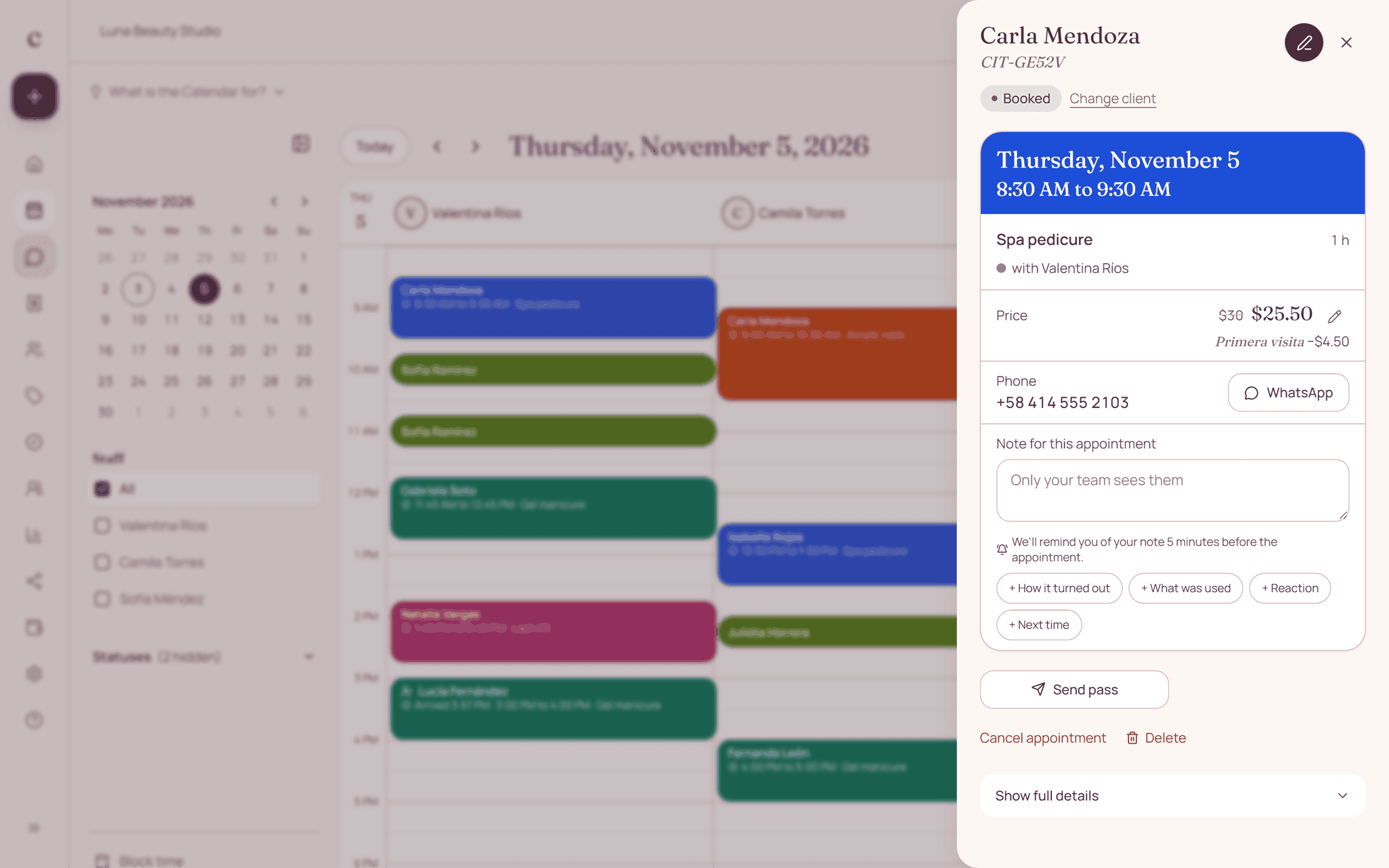
- Open the booking and check the deposit requested.
- Compare the payment with your payment account.
- Approve it, or explain the detail that needs fixing.
A common question
Does a screenshot alone prove I received the money?
No. You need to confirm the payment arrived in the matching payment account.
Bring that order to your schedule
Try Citalu with your services and hours. You get 14 days free to see if it fits your business.