Booking Deposits With Payment Receipts
Citalu lets you ask for a deposit and receive its payment receipt linked to the booking. The owner or an authorized person checks the payment in the payment account and approves or rejects the receipt from the dashboard.
By the Citalu team
A clear amount and balance
Decide whether you'll ask for a fixed amount or a percentage, and check the result on a test booking. The client needs to tell apart the price of the service, what she pays up front and the balance after. Don't confuse the price of your Citalu subscription with the payments from your clients.
Proof doesn't replace the payment itself
An image can be incomplete or belong to a different transaction. Compare the amount, date and reference with what you received. If you list prices in one currency and receive payment in another, state your instructions clearly: Citalu doesn't make the bank transfer.
A review routine
Decide who reviews and when. Watch the deadlines you set so a request doesn't expire while the receipt waits. If there's an error the client can fix, say exactly what she needs to resend instead of just replying "rejected".
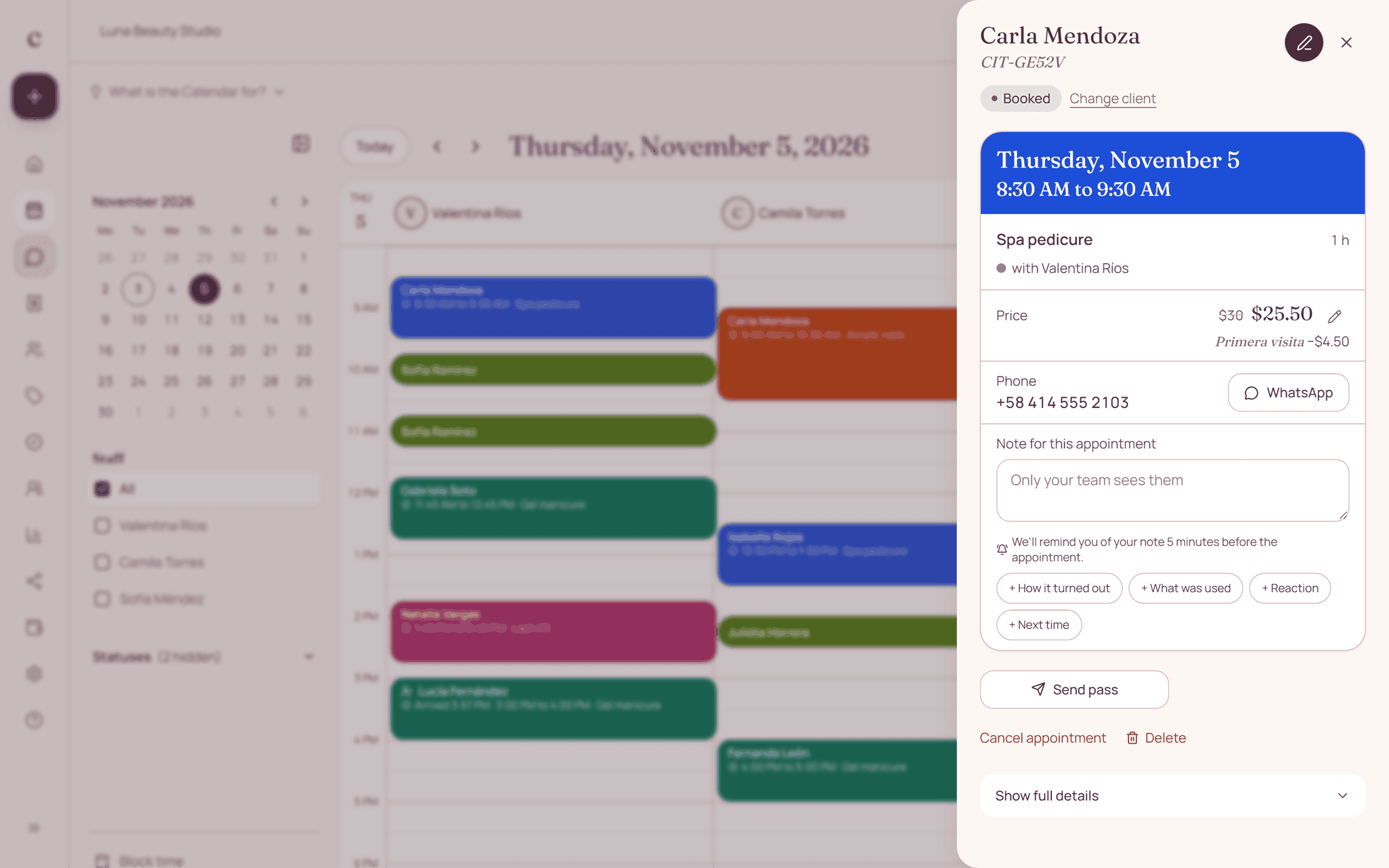
How to put it into practice
- Set up your payment methods and current instructions.
- Test a service with a deposit and check the amount and balance.
- Verify the payment you received before you approve the receipt.
A common question
Does Citalu verify Zelle or bank transfers automatically?
No. Confirming the money received is up to your business. The app organizes the receipt and the decision.
Bring that order to your schedule
Try Citalu with your services and hours. You get 14 days free to see if it fits your business.