Massage Studio Booking Software With Session Breaks
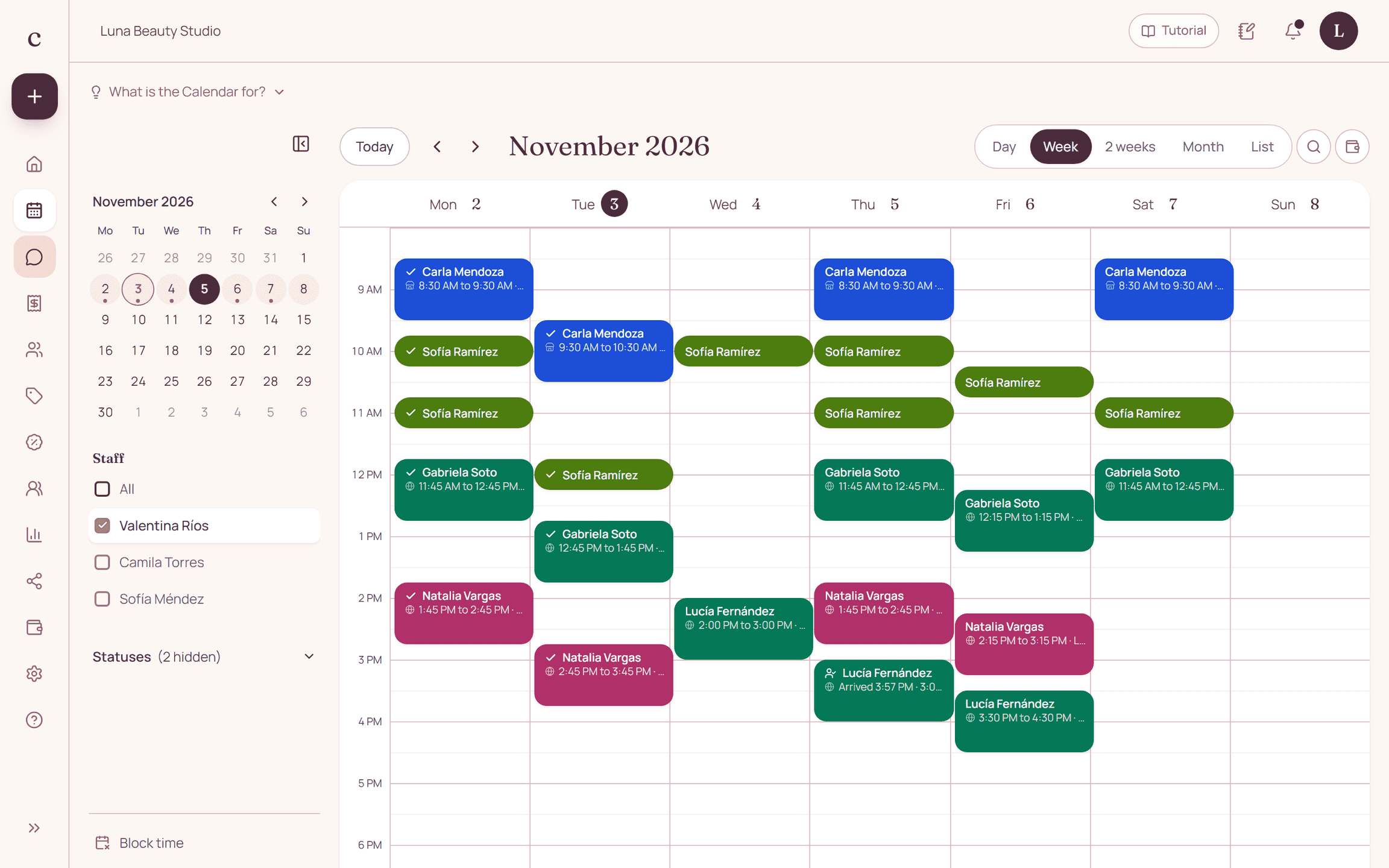
A massage schedule has to account for the session and the time needed to receive the next client. Citalu lets you set up services, hours per staff member and blocked time to organize that day.
By the Citalu team
Post lengths people can understand
Make clear whether the time you advertise is the massage itself or the whole visit. If you offer sessions of different lengths, create separate options. The client should know what she's booking, and your team should have the real setup time between sessions.
Spread the load across the day
A full schedule doesn't by itself mean a workable day. Set breaks to fit how you operate and check the mix of services for each staff member. Avoid opening times that only work if everyone arrives early and no session needs more conversation.
A booking per staff member is not a treatment room
When several people share a room, coordinate its use explicitly. Citalu calculates availability per staff member. For simultaneous or couples sessions, confirm every resource manually before you promise a joint booking.
How to put it into practice
- Decide what the posted length includes.
- Set up breaks and check how your rooms are used.
- Test the link on a phone and check your arrival instructions.
A common question
Does it work as a therapy record?
No. It's an operational booking schedule, not a system for clinical records or therapy instructions.
Bring that order to your schedule
Try Citalu with your services and hours. You get 14 days free to see if it fits your business.