Salon Utilization Rate: How Full Is Your Schedule?
Utilization rate, also called occupancy rate, is the percentage of your working hours that were filled with appointments. Divide the booked hours by the available hours and multiply by 100. If a staff member works 40 hours and served 30, their utilization was 75%. It tells you whether you're short of clients or short of time.
By the Citalu team
How to calculate utilization rate
Utilization rate = hours with appointments ÷ available hours × 100. Calculate it per staff member and per week. Available hours are the hours in your schedule minus breaks and blocked time; hours with appointments are the ones you worked, not counting appointments that were missed.
What number is good
Below 60%, you have hours to spare: it may be time to find more clients or cut hours. Between 70% and 85%, your schedule is healthy and still has room for surprises. Close to 100%, there's no room for new clients and it may be time to raise prices or add someone.
What to do with open hours
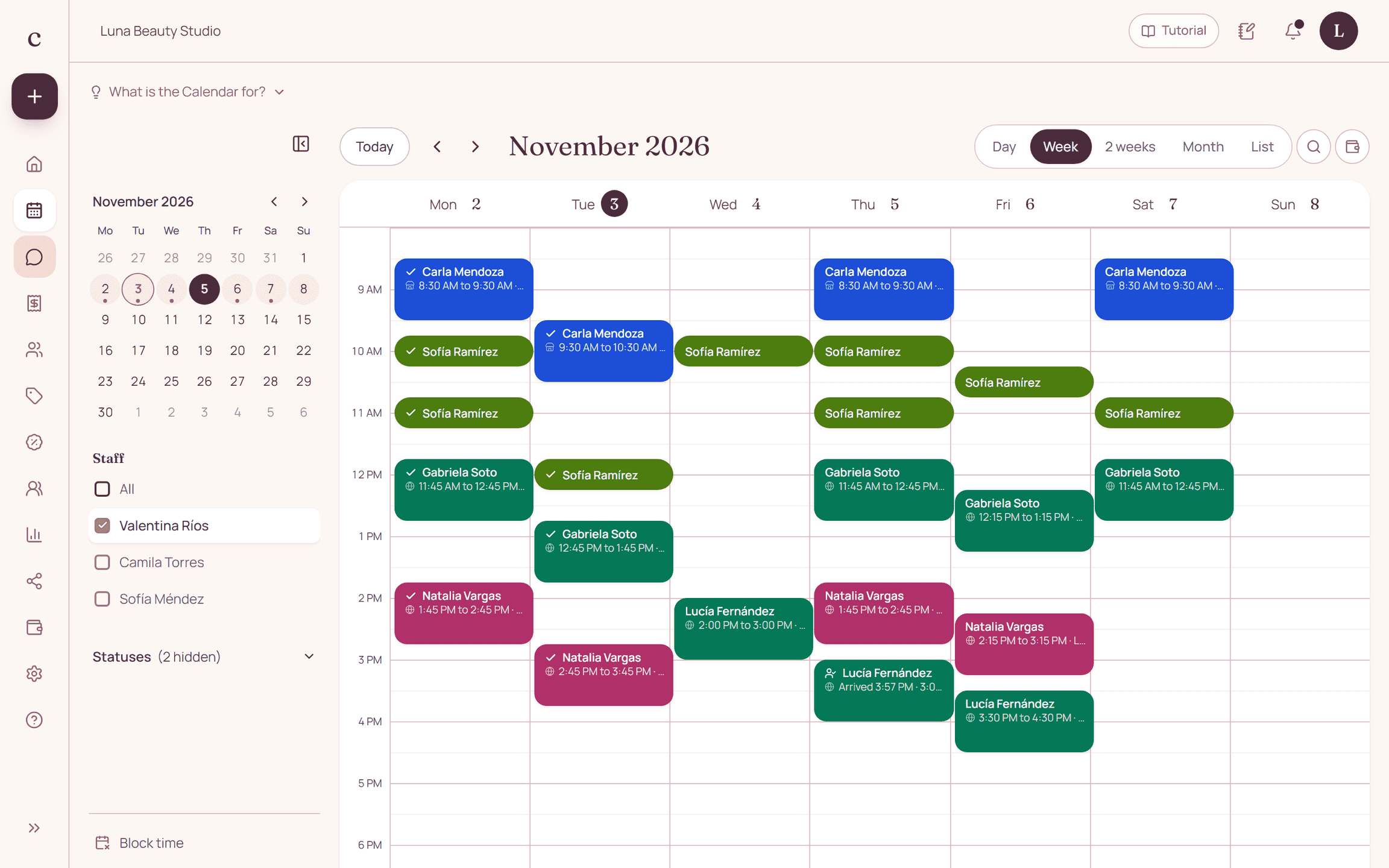
Look at which days and hours are empty again and again. Tell your clients about those times in your WhatsApp Status or a broadcast list, and keep your booking link handy so they can book without waiting for a reply. In Citalu you see each staff member's full week in one view.
How to put it into practice
- Write down each staff member's available hours for the week.
- Add up the hours with appointments you worked.
- Divide, multiply by 100 and look for hours that stay empty.
Frequently asked questions
What is utilization rate?
The percentage of working hours that were filled with appointments in a period.
Do you count appointments the client missed?
No. That time was booked but not worked. Track those separately to measure your no-shows.
How often should I measure it?
Every week, per staff member. That way you quickly see which days need more clients.
Bring that order to your schedule
Try Citalu with your services and hours. You get 14 days free to see if it fits your business.