Working Hours and Blocked Time for a Realistic Schedule
Working hours say when a staff member usually works, and blocked time covers the exceptions. In Citalu you can organize both so your public availability stays close to the day you can actually deliver.
By the Citalu team
Separate routine from exception
A regular lunch belongs to the structure of the workday. A one-time absence needs blocked time on that date. Keeping that difference makes the week easier to review and keeps you from changing the whole schedule for a single afternoon.
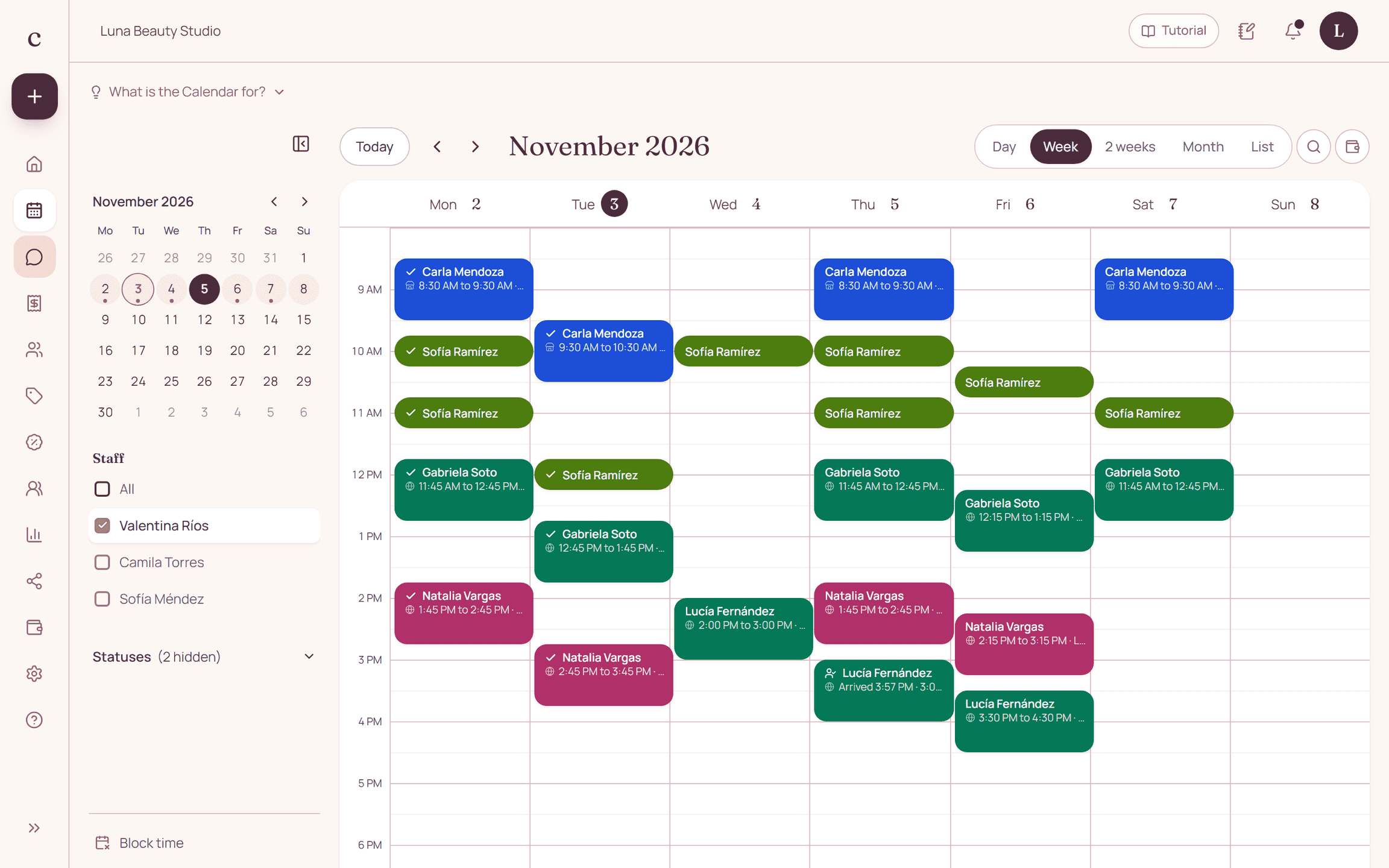
Check appointments before you block
Before you close a window, see who already has a booking. Blocked time doesn't notify the clients it affects. Deal with the existing appointments and agree on the changes before you treat the absence as handled.
Setup time and shared resources
Include the time it takes to get the space ready. If you share a treatment room or equipment, also decide who coordinates its use. Availability per staff member doesn't automatically capture every limit on your shared resources.
How to put it into practice
- Enter a realistic regular week.
- Add the absences you already know about.
- Open the public link and check a date with blocked time.
A common question
Does blocking a time cancel appointments already booked?
Don't use it as a substitute for handling existing bookings. Check them and make the matching changes to each appointment.
Bring that order to your schedule
Try Citalu with your services and hours. You get 14 days free to see if it fits your business.