Staff Shift Scheduling for Your Salon or Spa Team
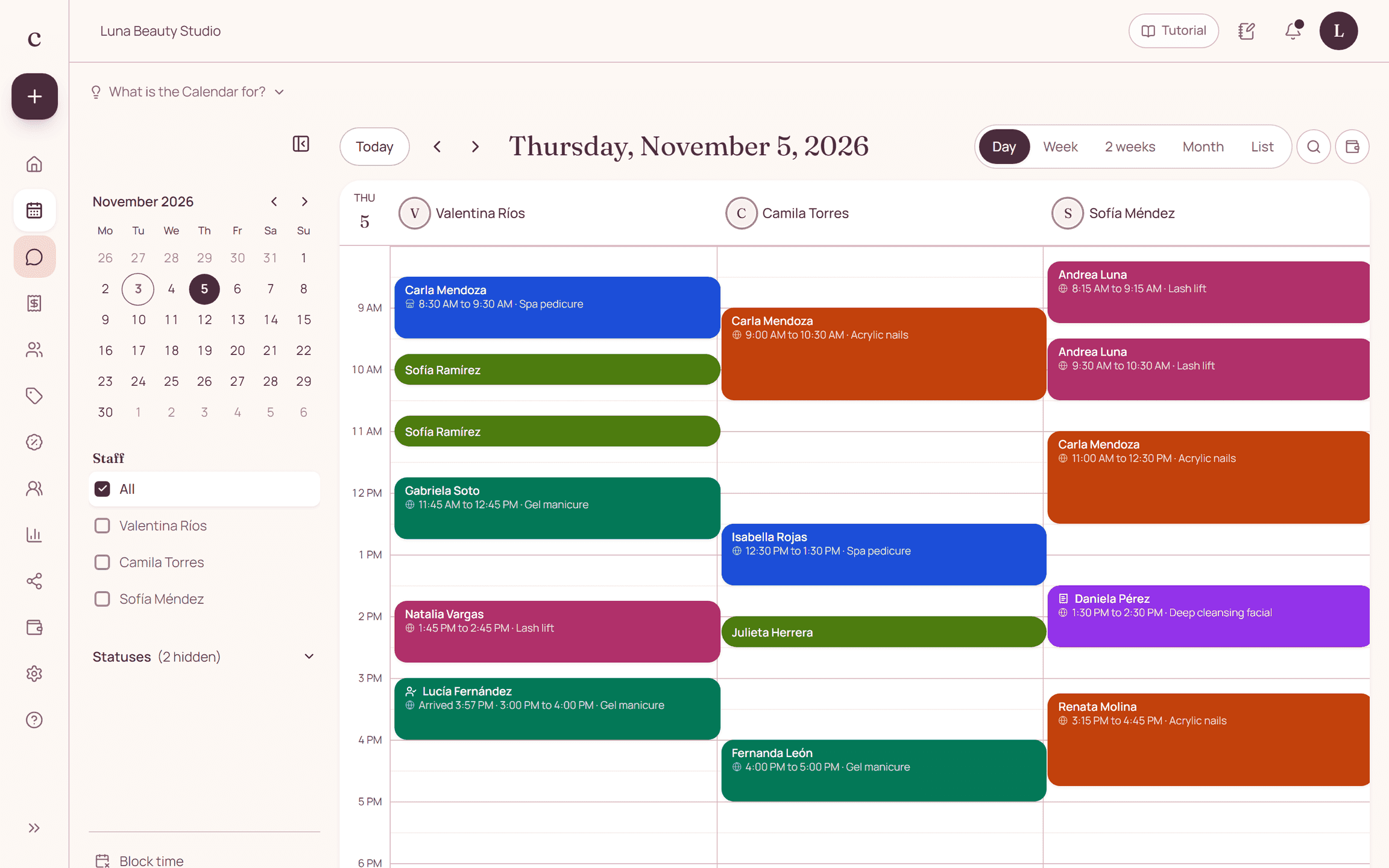
Set up shifts person by person, not by automatically copying the business's hours. Match the services each staff member performs with their shift, and review existing appointments before you apply changes.
By the Citalu team
Start with service coverage
Write down which techniques each team member can perform and when you need to offer them. A business can have three people available and none qualified for the service someone asks for. Useful coverage depends on that combination.
Separate regular hours from one-off changes
Set up repeating shifts and log specific absences separately. Before you publish new hours, review each staff member's appointments. Agree on who announces changes, so the front desk and the owner don't give different answers.
Hand off the shift with enough information
At the start of the shift, review upcoming appointments and payment receipts still to resolve. Share what's needed through the right permissions. Don't let operations depend on a shared password or on screenshots that go out of date.
How to put it into practice
- Match staff members to services.
- Set each person's shifts and breaks.
- Review affected appointments before you announce a shift change.
A common question
Does changing a shift notify all clients by itself?
Don't assume so. Identify the affected bookings and handle their changes and communication.
Bring that order to your schedule
Try Citalu with your services and hours. You get 14 days free to see if it fits your business.