Appointment Scheduling Software With Google Calendar Sync
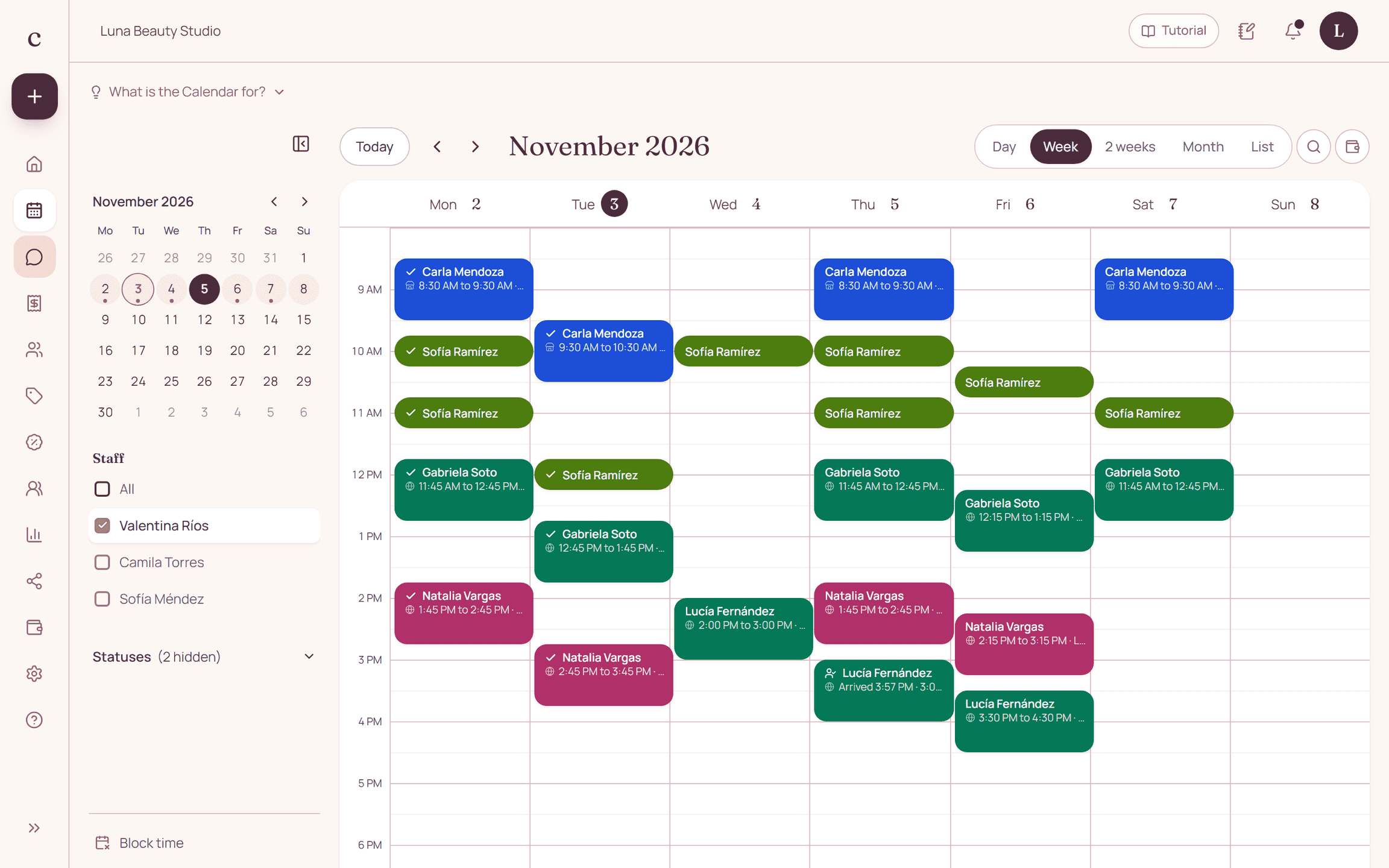
When you connect Google Calendar, every confirmed Citalu appointment shows up in your Google calendar, and anything you add in Google blocks that time in Citalu. Google wins: if you move an appointment in Google, it is rescheduled in Citalu; if you delete it, it is canceled. It is on every plan.
By the Citalu team
From Citalu to Google
Every confirmed appointment is created in your Google calendar with the client and the service. If you change or delete it in Citalu, it changes or is deleted in Google too.
From Google to Citalu
An event you add in Google takes up that time in Citalu, so your link does not offer it. If a Google appointment and a Citalu appointment for the same provider start at the same minute, they are the same appointment: they are not duplicated.
If you move or delete in Google
Moving a Citalu appointment in Google reschedules it in Citalu, with the usual notice to the client. If the new time conflicts with another appointment, it is not moved and the bell in your dashboard alerts you. Deleting it in Google cancels the appointment in Citalu.
Google appointments in your schedule
They show up as appointments marked with a "G". When you tap one, you can turn it into a Citalu appointment, with its client and its service, or delete it.
Events with the client's phone number
If you put the client's phone number or email in the event, it comes into your schedule as an appointment to complete. You pick the service and it stays in Citalu with its reminder.
How to put it into practice
- When you set up your hours in Citalu, or later in Settings › Google Calendar, tap "Continue with Google".
- Choose your Google account and accept the permission: your appointments go to your primary calendar.
- Create a test appointment and check that it shows up in Google.
Frequently asked questions
Do I have to stop using Google Calendar?
No. You can keep adding events in Google: those times are blocked in Citalu and your bookings show up in Google.
What happens if I delete an appointment in Google by mistake?
The appointment is canceled in Citalu. You can create it again from the dashboard.
Bring that order to your schedule
Try Citalu with your services and hours. You get 14 days free to see if it fits your business.