Appointment Confirmation Message: What to Include
A confirmation should say what was booked, when, where and how to ask for a change. Use the word "confirmed" only when it matches the real status of the booking.
By the Citalu team
Information that saves another conversation
Include the full date, the business's local time, the service and the location or directions. If the client chose a stylist, add their name. Avoid messages that only say "you're all set" and force the client to dig through earlier messages.
Separate confirmed from payment pending
If you're waiting on a deposit or a payment receipt check, say so explicitly. State the next step and the real deadline for the booking. Don't send a final confirmation in chat while the system still shows a pending request.
How it looks in your schedule
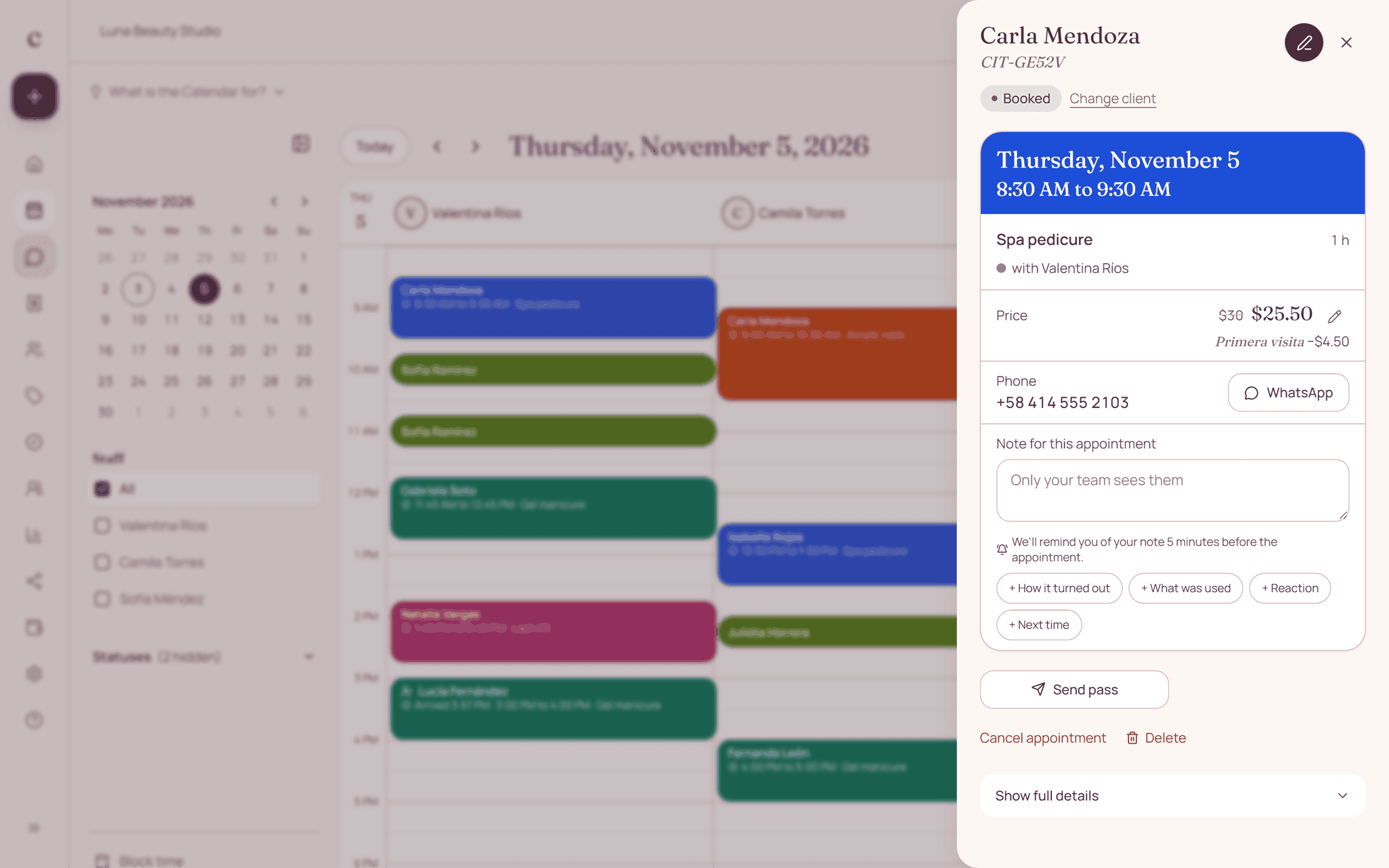
In Citalu, an appointment your client confirmed carries the Confirmed by CITU tab. At a glance you can see who confirmed and who you still need to message. If you keep your appointments on paper, mark each confirmation with a check.
Confirming and reminding are different
The confirmation goes out when the appointment is booked and tells the client their time is held. The reminder goes out close to the date so they don't forget. You need both: one closes the agreement and the other prevents no-shows.
When to send the confirmation
Right away, while the client still has the conversation open. If you're waiting on a payment, send the instructions first and confirm when you see the money. If the appointment is several weeks out, confirm now and send a reminder close to the date.
How to ask the client to confirm
Ask an easy question: "Can you confirm?" Don't ask them to type out a text or call. With CITU, the reminder includes a Confirm button and the answer gets marked in your schedule. If they write "Yes" or "Confirmed," that counts too.
What to do if they don't confirm
Message them once more before you give up the time. If they still don't answer, decide based on your policy: keep the appointment, call them or release the time. Say so up front so it's not a surprise.
One clear channel for changes
Explain how to give notice if they need to reschedule. Check that the shared link matches that booking and doesn't include another person's information. Templates save writing, but you still need to check the recipient, date and amount before sending.
Messages to copy
Replace what is in brackets and send it on WhatsApp.
Hi, I'm confirming my appointment on [day] at [time]. Thanks.
Hi, [name]. Your [service] appointment is confirmed for [day] at [time]. If you need to change it, let me know here.
Hi, [name]. See you on [day] at [time] at [address], [suite or directions]. Here's the map: [map link].
Hi, [name]. I've held [day] at [time] for you. To confirm your appointment, send me the payment receipt for the deposit before [deadline time].
Got it, [name]. I received your deposit and your appointment on [day] at [time] is confirmed. You'll pay the remaining [balance] on the day of your appointment.
Hi, [name]. Your first appointment is on [day] at [time]. Please arrive a few minutes early and bring [whatever they need]. See you then.
Hi, [name]. Your appointment with [provider] is confirmed for [day] at [time]. If you can't make it, please let us know here.
How to put it into practice
- Check the real status of the booking.
- Fill in the date, service, location and how to request changes.
- Reread the message as if it were the first thing the client gets.
Frequently asked questions
Are these templates sent automatically through WhatsApp?
No. They're texts for you to adapt and send. If you want the reminder to go out on its own, CITU sends it through WhatsApp on the Estudio and Salón plans.
How do you confirm an appointment?
The client replies to the message or taps the Confirm button. When they do, mark it in your schedule so you know who you no longer need to message.
How do I write a message to confirm an appointment?
Mention the day and time, and ask for a simple reply. For example: "I'm confirming my appointment on Friday at 3:00 pm."
What can I say to confirm an appointment?
If you're the business: "I'm confirming your appointment on [day] at [time]." If you're the client: "Yes, I'll be there."
How do I confirm an appointment by text?
Send the service, the day, the time and the place, and ask them to reply. Save the text as a quick reply so you don't type it every time.
What should an appointment confirmation message say?
The service, the day, the time, the place and how to let you know if they need to change it.
What's the difference between a confirmation and a reminder?
The confirmation goes out when the appointment is booked. The reminder goes out close to the date, usually the day before.
Bring that order to your schedule
Try Citalu with your services and hours. You get 14 days free to see if it fits your business.