How to Reschedule an Appointment and Keep Its Details
Rescheduling means moving a booking to an open time while keeping its details. Check every service, the staff member and any deposit before you confirm the new time.
By the Citalu team
Find room for the whole session
A booking with several services needs more time than the first service alone. Check the full length before you offer new times. If the staff member changes, confirm they can do every service on the booking.
Agree on what changes and what stays
Moving the time is not the same as canceling and booking again. Check how the deposit applies under the terms you gave the client, and don't ask for a second payment out of habit. If services or prices change, explain it before you both agree.
Check the calendars and the message
After you save, look for the appointment on the right day of your schedule. If you use an outside calendar, check the event too, especially if you changed the staff member. Don't treat a change as done just because you typed the new time in a chat.
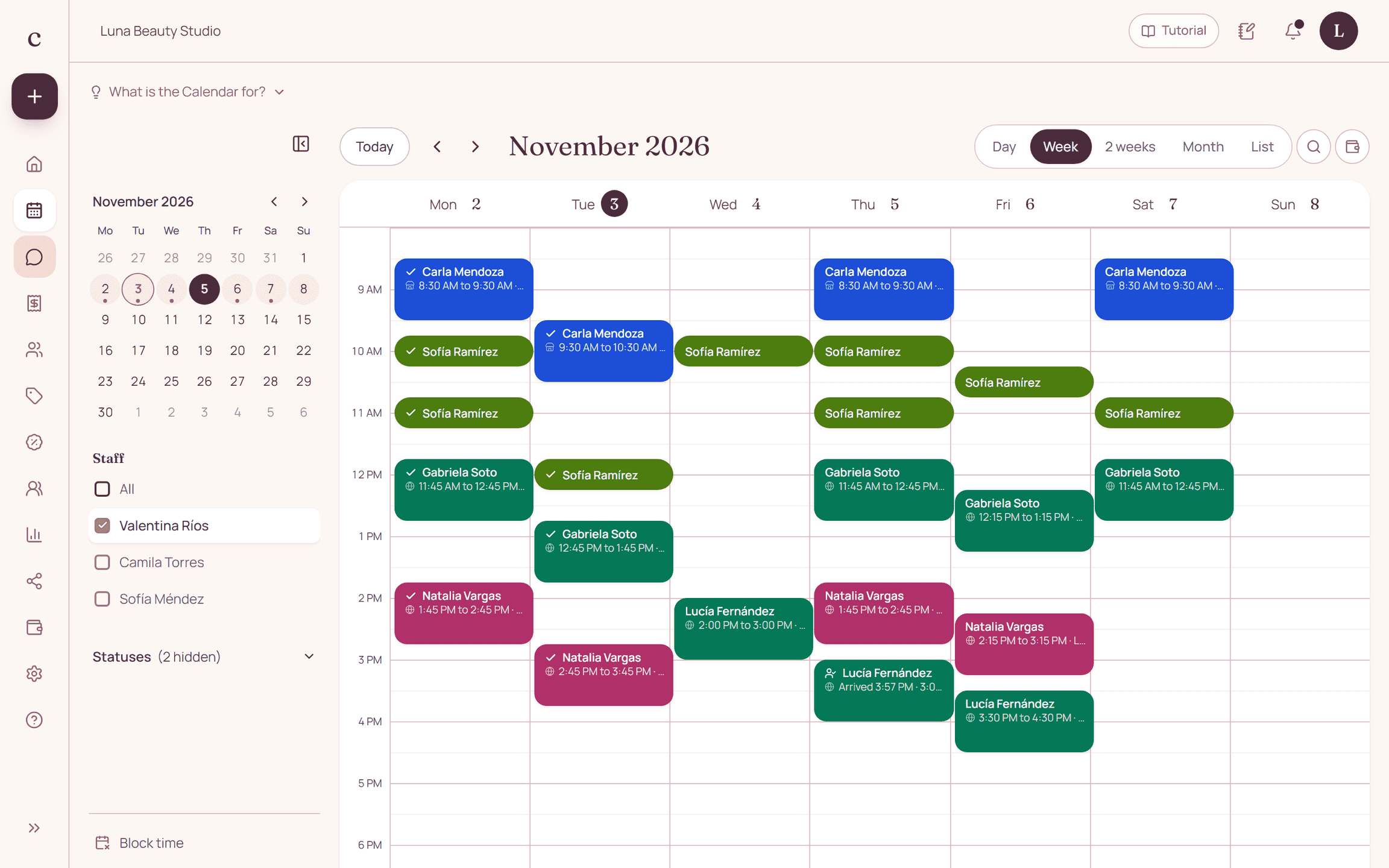
How to put it into practice
- Confirm which services stay on the booking.
- Find open time for the whole block.
- Save the change and send the updated date, time and staff member.
A common question
Should I delete the appointment and create a new one?
Use the reschedule option when it applies, so the booking keeps its details. Check that booking's status and the options available for it.
Bring that order to your schedule
Try Citalu with your services and hours. You get 14 days free to see if it fits your business.