Booking Link in Your Instagram Bio: How to Set It Up
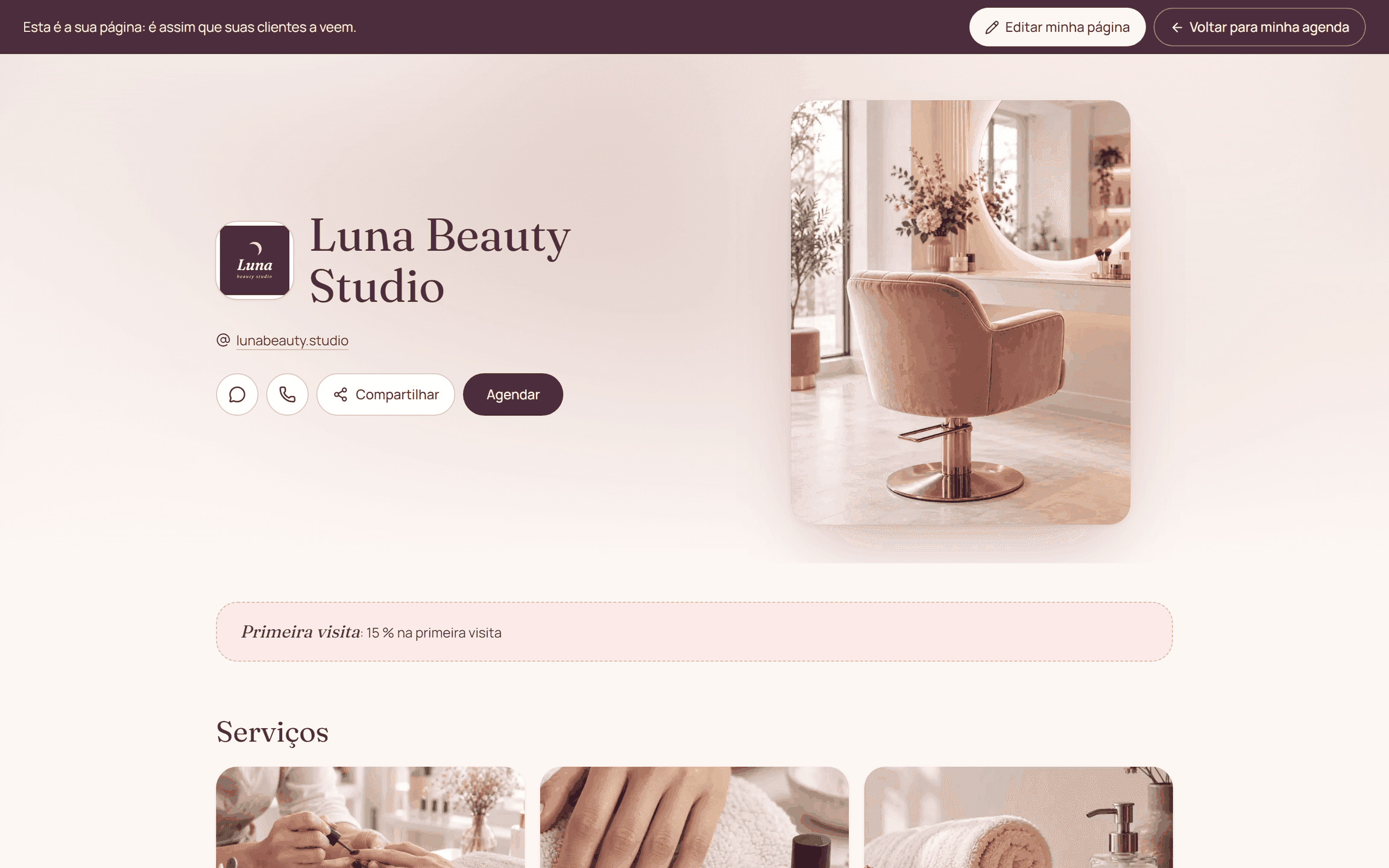
Use your public booking link as the destination for anyone who wants to check services and times. Add a clear instruction, and test the whole path from a phone that isn't logged in to your admin account.
By the Citalu team
Choose between your business and one service
A general link works for people who are still browsing. If a post is about one specific service, sending people straight to that option saves them from searching your menu. Don't send everyone to a screen that doesn't match what you just offered.
Explain the next step
Add one concrete line: "Check open times and book at the link in my bio." Don't promise instant availability if it still depends on your schedule. If a deposit is required, the booking page should explain the process before the client pays.
Test it and keep it current
Open the link as a visitor and check the service menu, the times and your contact info. Do it again if you change your business's public address. Instagram's interface options can change, so use whichever link field your account offers and don't count on a button staying in one place.
How to put it into practice
- Pick the destination that matches your post.
- Write a line telling people to check times and choose one.
- Open the link on your phone and test a booking.
A common question
Does Citalu reply to Instagram messages?
No, Citalu doesn't offer that automation. The link takes people to a booking page, and conversations stay in your own channel.
Bring that order to your schedule
Try Citalu with your services and hours. You get 14 days free to see if it fits your business.