Booking Link and QR Code for Online Bookings
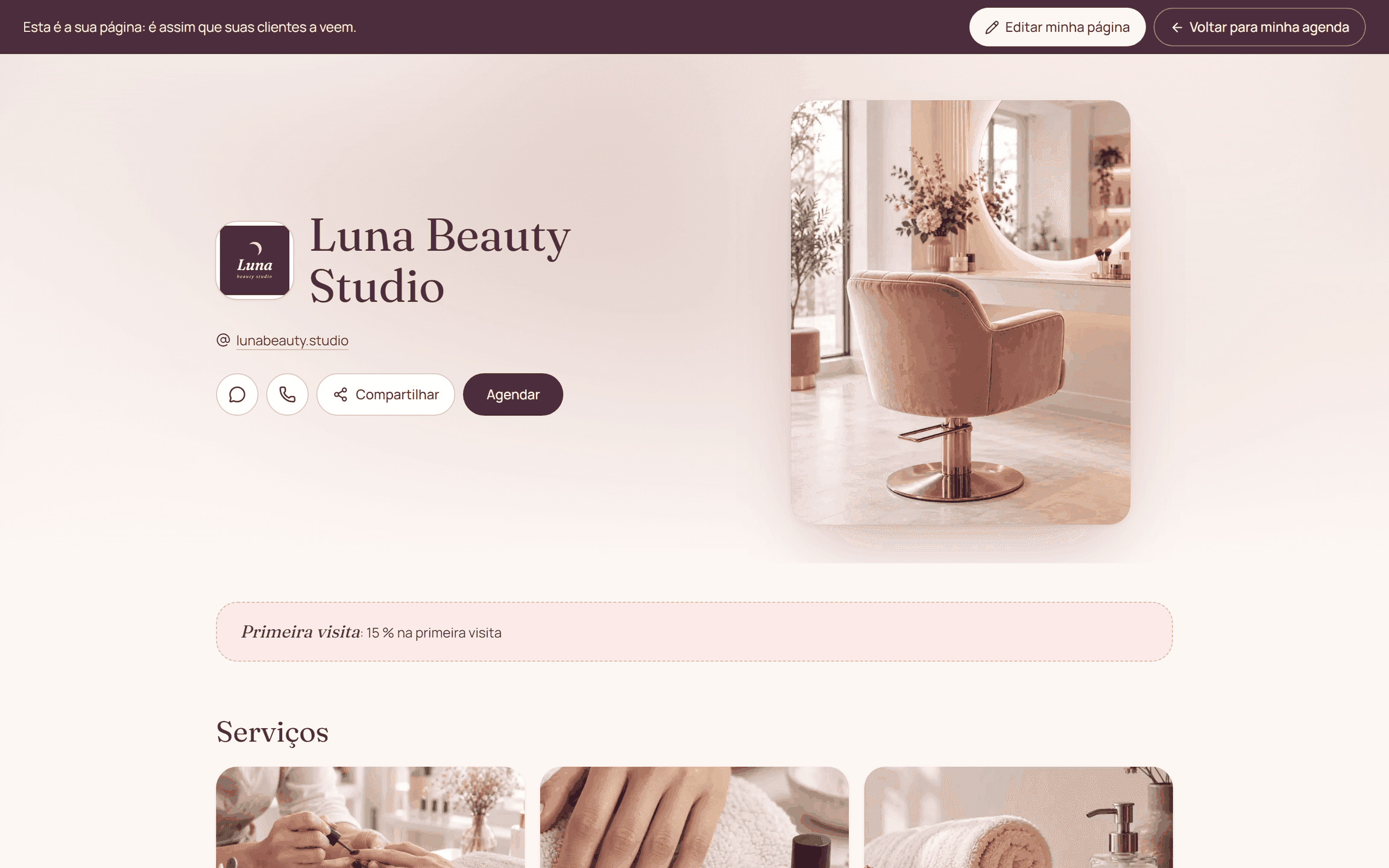
The link and the QR code lead to your business's public booking page. Citalu offers links for the business, for each service and for each provider, so you can share the destination that best answers each question.
By the Citalu team
Pick the right destination
In your Instagram bio, the general page works best for people who don't know your service menu yet. In a chat about one specific service, a direct link saves the client from hunting for it among all the options.
A QR code that works at your location
Print a test copy before you produce cards or a sign. Check contrast, size and scanning distance with several phones. Add a clear instruction, like "See open times and book your next appointment", so people know why to scan it.
Keep what's behind the link up to date
Check your services, hours and contact details before you share it. Sharing a link on WhatsApp does not mean Citalu answers conversations automatically. If you change your public link, also check every place where you used it.
How to put it into practice
- Copy the public link that fits the question.
- Test it outside your admin session.
- Scan the printed QR code and go through the whole flow until you pick a time.
A common question
Does sharing the link connect a bot to WhatsApp?
No. It is a link that opens the booking page in the browser. It does not offer automatic handling of WhatsApp conversations.
Bring that order to your schedule
Try Citalu with your services and hours. You get 14 days free to see if it fits your business.