How to Test Your Booking Page Before You Share It
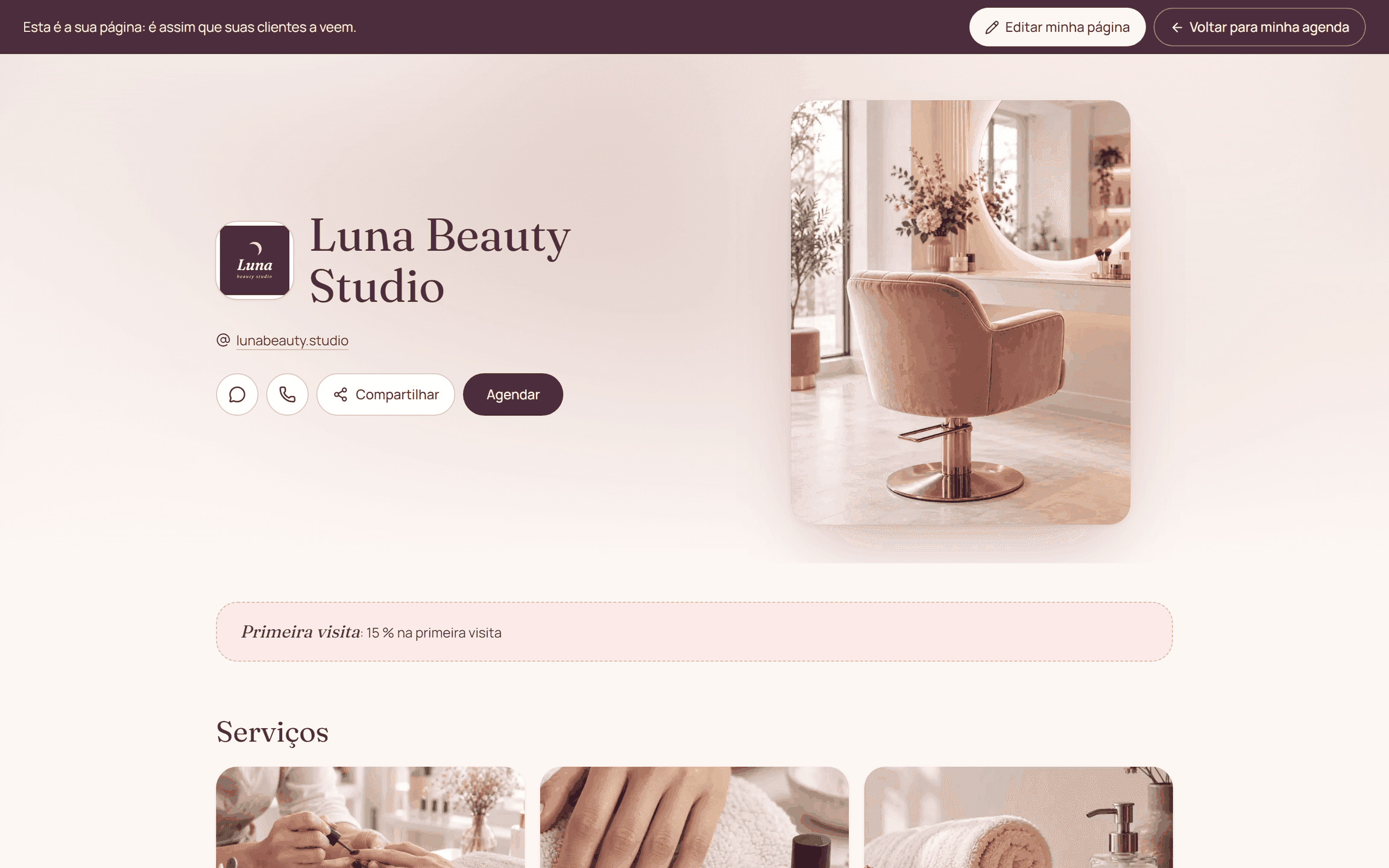
Test the page like a new client: open the public link, pick a service and a time, and check the next step. Check both the phone experience and what shows up in the business's schedule.
By the Citalu team
Look through a visitor's eyes
Open a window where you're not logged in to your admin account and check the name, photos, descriptions and contact info. Make sure the text reads without zooming and that the service you pick shows the expected duration and price.
Test availability and deposits
Look for a day with open hours and another with a known absence. Make sure no times appear that you can't serve. If you ask for a deposit, review the current instructions and run a controlled test, without mistaking it for real money received.
Close the test on both sides
Check the booking's status from the client's link and from your dashboard. Cancel or remove test bookings using the right actions so they don't block real time. Repeat the check after major changes to your service menu or hours.
How to put it into practice
- Open the link as a visitor from a phone.
- Test a service with availability and a blocked date.
- Check the result in your dashboard and release the test.
A common question
Is looking at the first page enough?
No. Go through service, time, details and payment if it applies, and check how the booking ended up.
Bring that order to your schedule
Try Citalu with your services and hours. You get 14 days free to see if it fits your business.