Online Booking for Salons: Clients Book Themselves
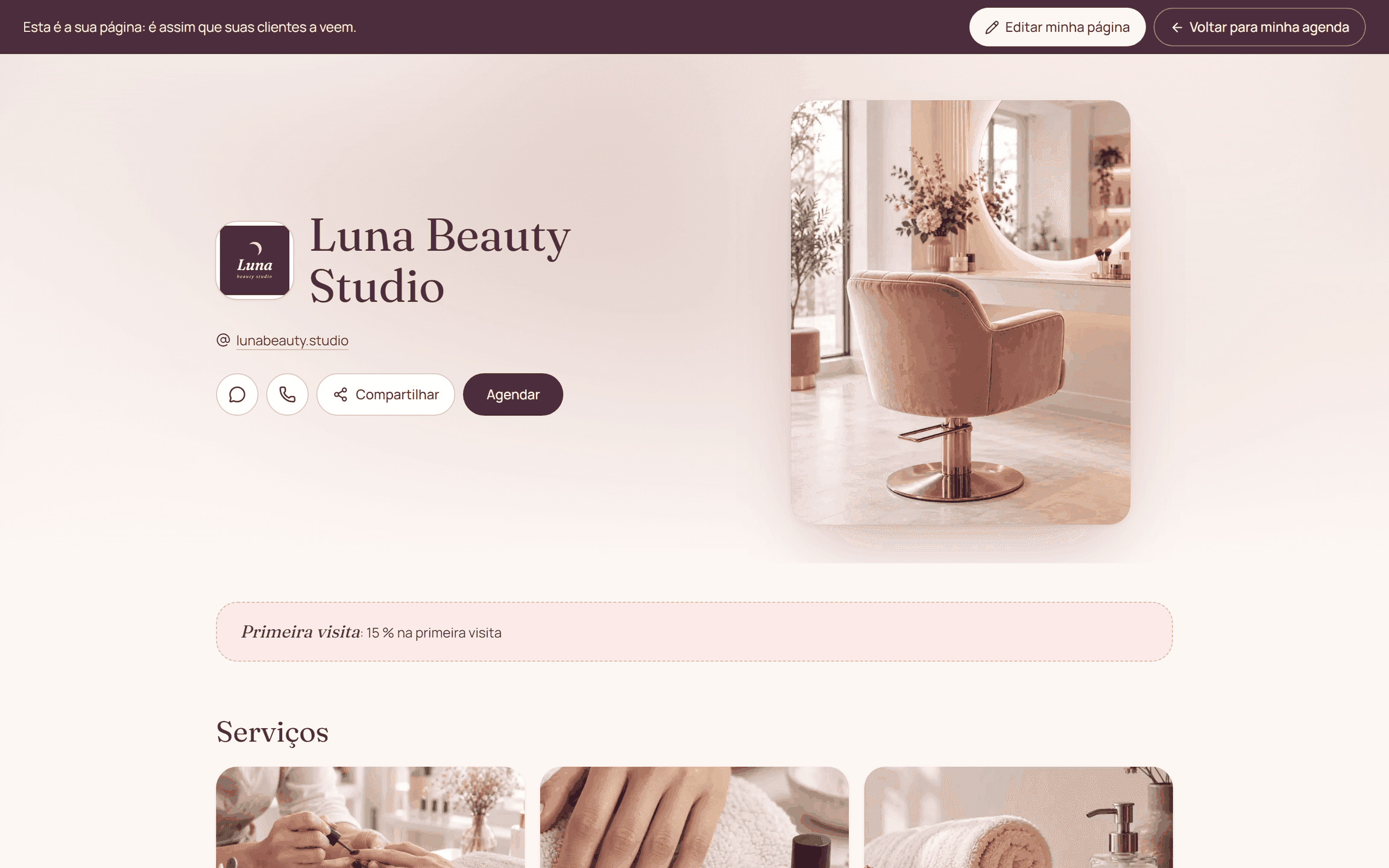
Online booking lets a client check times and request an appointment from a link. Citalu shows services, providers and availability, and adds the deposit step when the business sets it up.
By the Citalu team
From a question to a specific time
The public page shows your service menu so the client can pick what she needs. A clear description prevents bookings for the wrong service. Before you share the link, check the price, the length and who can do each service.
Availability that depends on your schedule
The times offered depend on your settings and on existing bookings. Also enter the appointments that came in outside the web. A time that still lives only in a notebook can't count toward online availability.
Telling a request from a confirmation
If you ask for a deposit with a payment receipt, there is a pending review before you confirm. Tell clients the deadline and check payments on time. Starting the form should not be read as a confirmed appointment or as money received.
How to put it into practice
- Complete your service menu and hours.
- Enter the appointments you already agreed on through other channels.
- Make a test booking and check what the client sees at each status.
A common question
Does the client need a Citalu account?
No. The public flow works from the browser and asks for the details needed to book.
Bring that order to your schedule
Try Citalu with your services and hours. You get 14 days free to see if it fits your business.