Daily Closing Checklist for Your Appointment Schedule
This checklist organizes the operational close of your schedule: review what happened, resolve open items and prepare tomorrow. You can print it or fill it in a text file; it doesn't replace a register close-out or accounting.
By the Citalu team
Close out what happened without inventing statuses
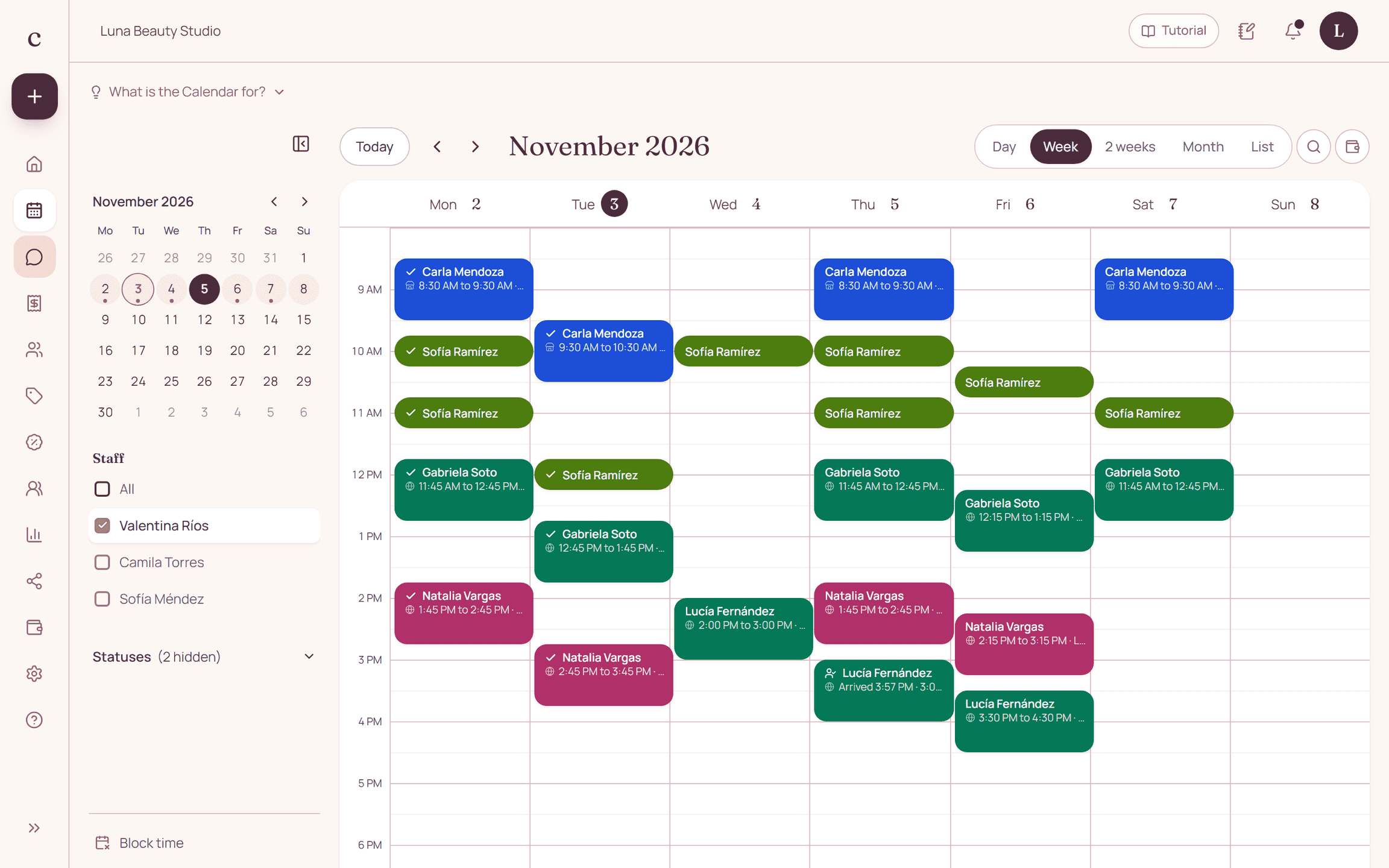
Review each appointment of the day and mark what really happened. Keep completed visits, no-shows and cancellations apart. If an appointment is still unclear, find out before giving it a status just to finish the list.
Give every open item a person in charge
An unreadable receipt or an unconfirmed change needs a specific action and a person in charge. Avoid copying sensitive data onto a sheet that stays in view. The list is for coordinating, not for duplicating each client's whole profile.
Hand over a prepared next day
Check the first appointments, team availability and shared resources. If you print the schedule, note when it was generated so no one mistakes it for live information. Keep the checklist where authorized team members can see it.
How to put it into practice
- Update the day's statuses in the schedule.
- Assign each open item to a person in charge.
- Review tomorrow and note the date of the close.
Download
DAILY SCHEDULE CLOSE-OUT
Date: __________ Assigned to: __________

TODAY
[ ] Appointments served, with updated status.
[ ] No-shows and cancellations kept separate.
[ ] Agreed changes recorded in the schedule.
[ ] Pending payment receipts reviewed within their deadline.
[ ] Unresolved requests have an action and a person in charge.

TOMORROW
[ ] First appointment and start time reviewed.
[ ] Team time off checked.
[ ] Long sessions and combined services reviewed.
[ ] Shared rooms or equipment coordinated.
[ ] Printed schedule data labeled with date and time.

OPEN ITEMS
Minimal reference: __________
Action needed: __________
Person in charge: __________
Review time: __________

This document is operational. It does not replace bank reconciliation, register close-out or accounting.
A common question
Should I write every phone number on the list?
No. Use minimal operational references and look up the booking details in the system with the right access.
Bring that order to your schedule
Try Citalu with your services and hours. You get 14 days free to see if it fits your business.