How to Log Phone and Walk-In Appointments
An appointment taken by phone should be logged in the same schedule where online bookings come in. Check availability and confirm the full service before you treat the time as agreed.
By the Citalu team
Look up the client before creating another profile
Confirm the name and phone number, and check whether a profile already exists. If someone books for another person, clarify who will attend and which contact to use. Don't make up details to finish quickly: they make reminders and history lookups harder later.
Log what takes up time
Include every service you agreed to and the responsible staff member. Ask about add-ons that change the duration, like a removal. A note adds context, but it doesn't replace a service that needs more minutes reserved.
Close the conversation with a summary
Repeat the date, time, service and deposit terms if there are any. Check that the appointment was saved. For a same-day visit, review the rules that apply and don't use an exception to ignore real schedule conflicts.
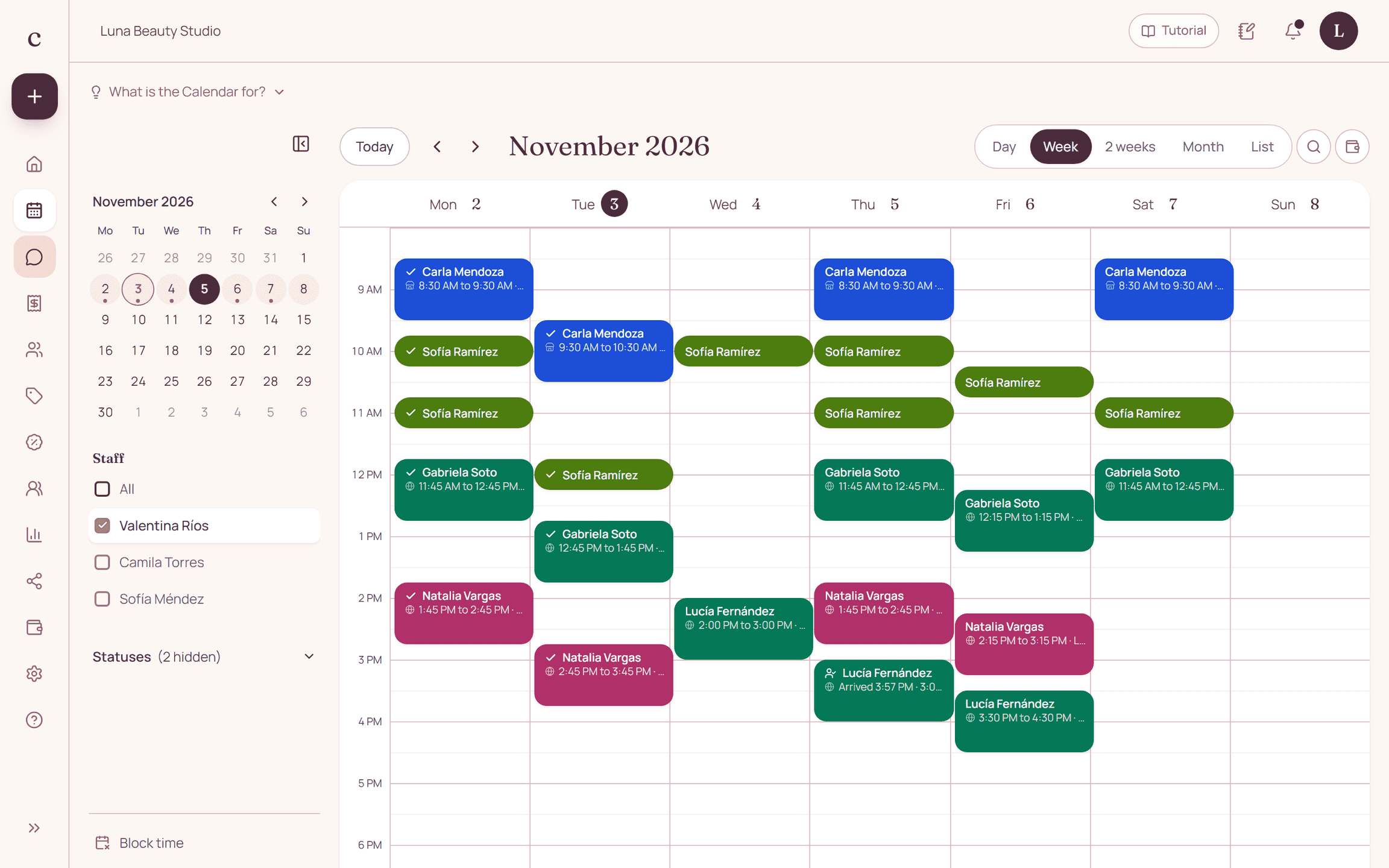
How to put it into practice
- Look up and confirm the client's profile.
- Select the services and check the full availability.
- Save, and repeat the details before the call ends.
A common question
Can I jot it in a notebook and enter it later?
Until it's logged, the online schedule doesn't know about that appointment. Enter it when you agree on it so you don't offer the same time twice.
Bring that order to your schedule
Try Citalu with your services and hours. You get 14 days free to see if it fits your business.