Service Menu Template for Your Salon or Spa (CSV)
This template helps you prepare a service menu before you publish it. Download the CSV, replace the sample rows and review each service with your team. It's a worksheet, not an automatic importer into Citalu.
By the Citalu team
One row per bookable option
Separate services that substantially change the duration or scope. Include a name clients recognize and a description of what they'll get. If a job needs an assessment, note it in the consultation column instead of making up a fixed time.
Review times and staff
The sample minutes aren't recommendations for your business. Replace them with times your team can meet, and account for prep. Fill in which staff members perform each service; don't list the whole team by default.
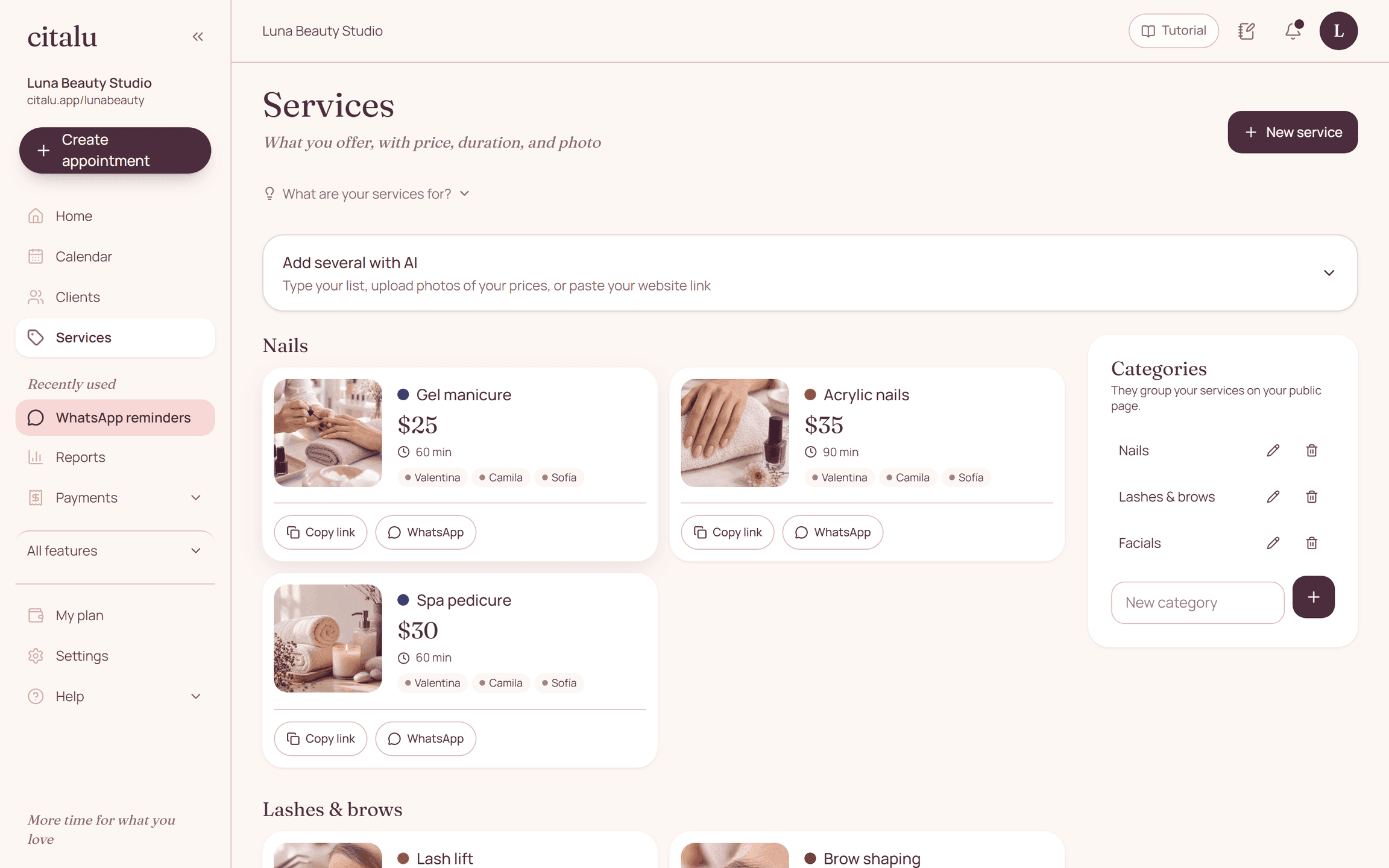
From the sheet to your public service menu
Review the data before you load it into the app. The file is for planning and coordinating; there's no direct import of this CSV. After you load the service menu, check names, duration and availability from your phone.
How to put it into practice
- Download the CSV and open it in your spreadsheet.
- Replace each example with your real services.
- Review with your team and load the approved data into your service menu.
Download
Name,Category,Includes,Duration in minutes,Price in USD,Staff,Consultation first
Gel manicure,Nails,Prep and solid color,45,,To fill in,Ask if removal is needed
Product removal,Nails,Removal based on technique,20,,To fill in,Confirm previous product
Brow design,Brows,Design and shaping,30,,To fill in,Fill in based on service
A common question
Can I upload this file directly to Citalu?
That function isn't offered for this template. Use it for preparation and load your services through the options in your dashboard.
Bring that order to your schedule
Try Citalu with your services and hours. You get 14 days free to see if it fits your business.