Service Duration for Salon Booking: How to Set It
A bookable duration should cover all the time you need to serve a client without running into the next appointment. Time several sessions, treat different services separately, and count any prep that keeps your stylist or tech busy.
By the Citalu team
Time a full visit
Write down start and end times over several days. Separate check-in, the service itself and cleanup afterward. Don't pick only your best time. Look at what makes a service run long, and which of those cases should become a separate option on your service menu.
Tell a variation from a separate service
If removing a previous product adds work, don't hide it inside an optimistic duration. Decide whether clients should pick it as an add-on. Explain what clients can choose and when they need to check with you before booking.
Check the effect on your day
After you adjust times, look at a full week. Check breaks, closing time and appointments already booked. Changing your service menu doesn't replace reviewing existing bookings or telling clients about a time change.
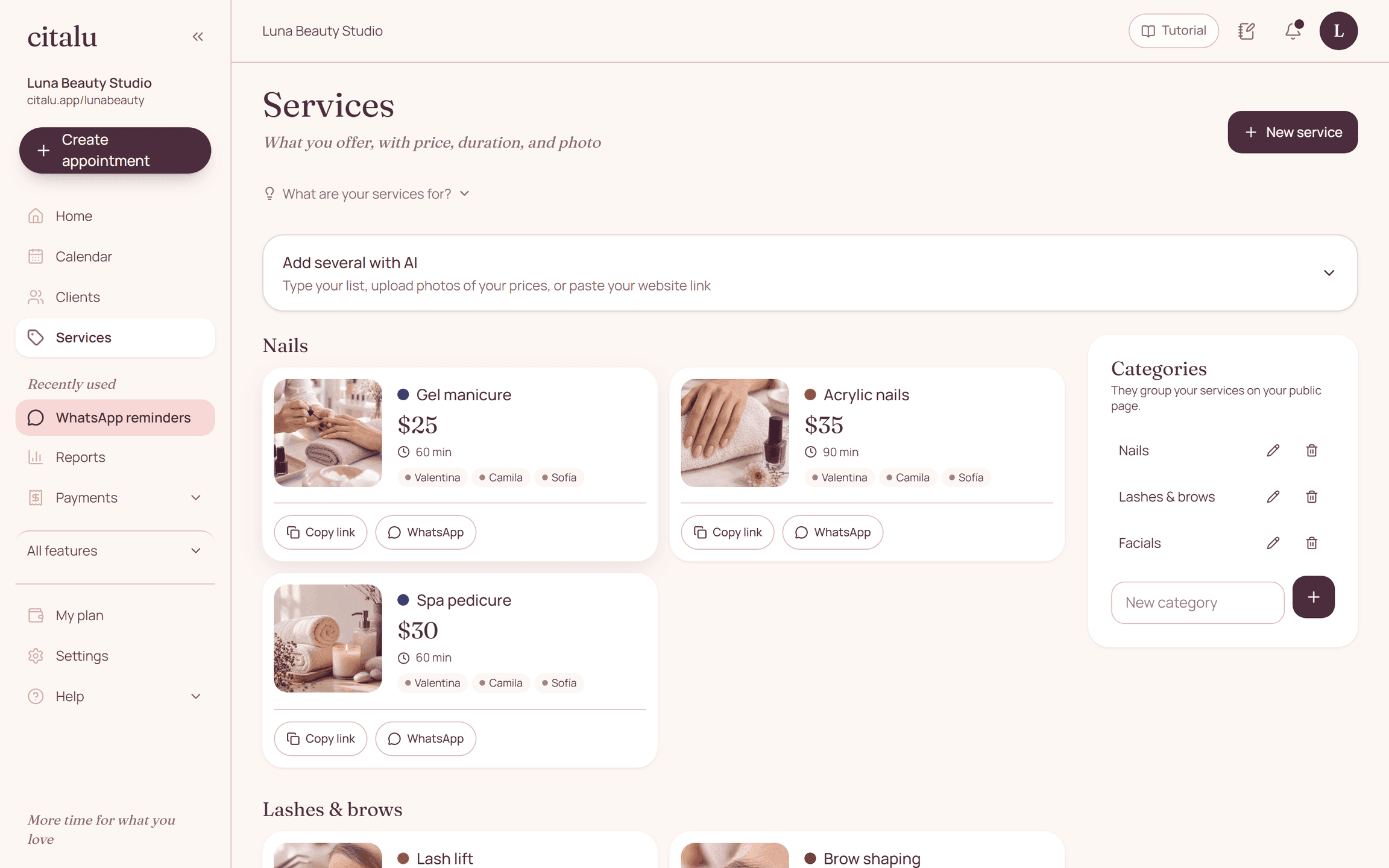
How to put it into practice
- Record real times over several days.
- Split out add-ons that change the duration.
- Test whether the new schedule lets you finish one appointment and set up for the next.
A common question
Should I use the same duration for the whole team?
Don't assume everyone works at the same pace. Look at how your team actually works before you set a public duration they can all meet.
Bring that order to your schedule
Try Citalu with your services and hours. You get 14 days free to see if it fits your business.