Automatic WhatsApp Business Messages for Your Salon
WhatsApp Business has three tools: the greeting message, the away message and quick replies. They help you reply faster, but they don't know which times you have open and they don't remind anyone of appointments. For that, use your booking link and the reminders Citalu sends on its own.
By the Citalu team
Greeting message
It goes to someone who messages you for the first time or after a while without messaging you. Use it to send your link: "Hi! Thanks for messaging [your business]. You can see prices and book your time here: [your link]. If you have a question, send it and I'll reply as soon as I'm done with my client."
Away message
It goes out outside your hours or when you turn it on. Say when you'll reply again and leave your link so people don't have to wait for you: "I'm outside business hours right now. I'll reply tomorrow starting at 9:00 am. If you'd like to book now, pick your time here: [your link]."
Quick replies
These are saved texts you type with a shortcut, such as /prices, /location, /deposit or /link. They save you from typing the same thing ten times a day. Check each one whenever your prices or payment details change.
A workday with these messages
At 9:00 am a new client messages you and gets the greeting with your link. At 2:00 pm another asks about prices and you reply with /prices. At 8:00 pm someone writes after hours and the away message goes out. The next day you only answer what needs your reply.
How to turn on automatic messages
Open WhatsApp Business and go to Business tools. There you'll find Greeting message, Away message and Quick replies. Turn them on, write your text and save. For the away message, you choose whether it goes out always, outside business hours or between dates you set.
Which messages to have ready
Start with five: greeting, away, prices, location and deposit. Those cover what comes up most. Add others only when you notice you're typing the same thing several times a week.
Common mistakes with automatic messages
Leaving the vacation message on after you're back. Using texts so long nobody reads them. Copying a generic message that doesn't sound like you. Not checking your links. Thinking the away message replaces your schedule: it doesn't block any times.
What these messages don't do
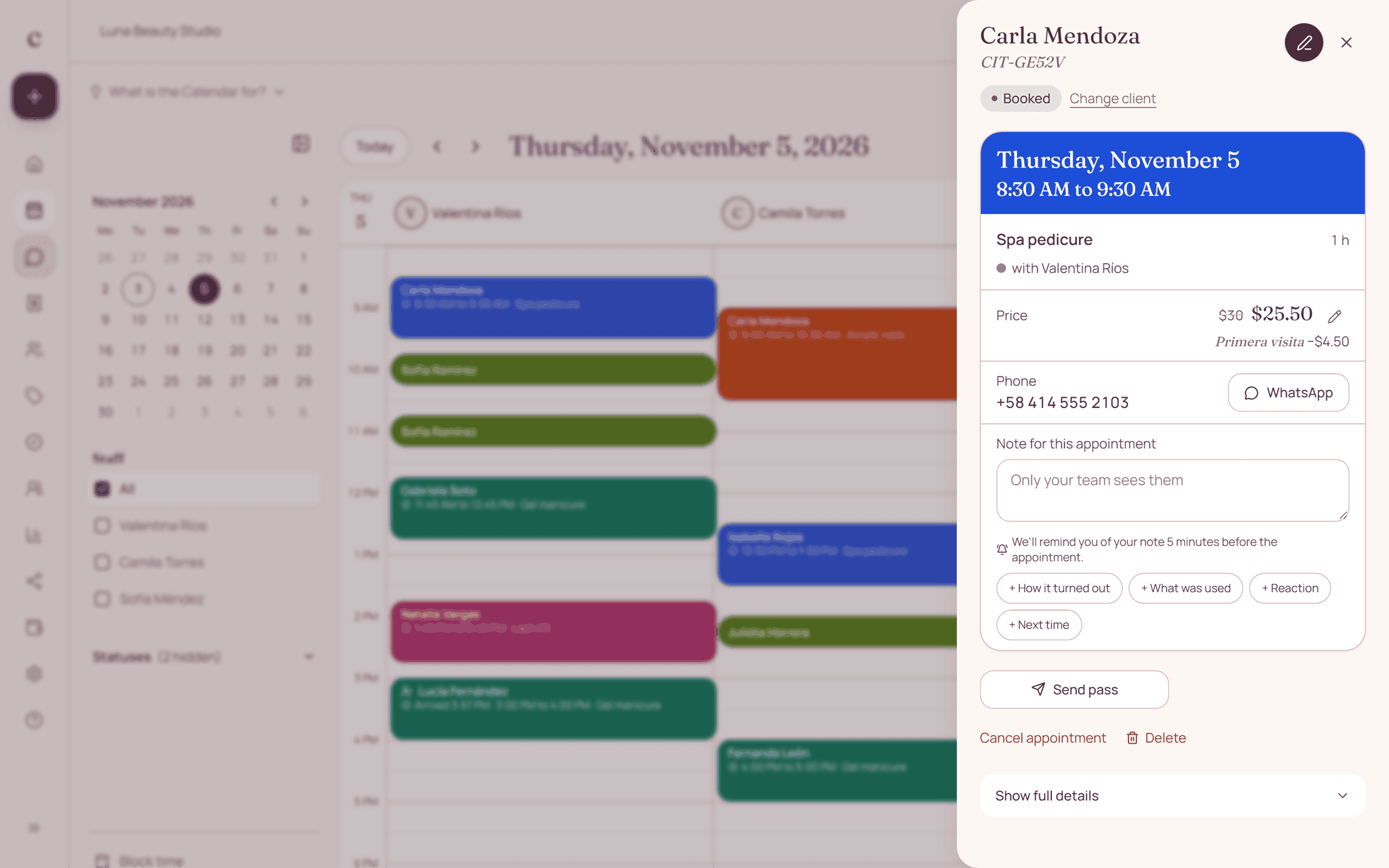
They can't see your schedule, so they can't offer open times or stop two clients from asking for the same one. They also don't send reminders at the time of each appointment. In Citalu, your link shows real availability and reminders go out on their own from your notification settings; on Estudio and Salón, also by WhatsApp with CITU.
Messages to copy
Replace what is in brackets and send it on WhatsApp.
Hi, thanks for messaging [your business]. Book your time here: [your link]. I'll reply as soon as I can.
I'm outside business hours right now. I'll reply tomorrow starting at [time]. If you'd like to book now, go here: [your link].
To hold your appointment I ask for a [amount] deposit, which comes off the total. Pay by [method]: [your details].
You can change your appointment by letting me know [hours] hours ahead. Tell me what day works for you.
How to put it into practice
- In WhatsApp Business, open Business tools.
- Turn on the greeting and away messages with your booking link.
- Save quick replies for prices, location, deposit and link.
Frequently asked questions
Can WhatsApp Business send appointment reminders?
Not by itself. Automatic reminders need the official WhatsApp Business platform, which is what CITU uses on Citalu's Estudio and Salón plans.
Can the away message include a link?
Yes. Pasting your booking link there is the most useful thing to do: the client can book even if you don't reply.
How do I set up an automatic away message?
Open Away message, turn it on, write your text and choose when it goes out.
Where do I find automatic replies?
In Business tools, inside the WhatsApp Business settings.
How do I turn off the automatic message in WhatsApp Business?
Go to Business tools, open the message and turn it off.
Can I set up automatic messages on regular WhatsApp?
No. Only WhatsApp Business has the greeting message, away message and quick replies.
How do I set up an automatic message outside business hours?
In Away message, choose the outside business hours option. First, add your hours to your business profile.
Are WhatsApp Business automatic messages free?
Yes. The greeting message, the away message and quick replies come with the app at no cost.
Can I have a different message for each client?
Not in the app: the text is the same for everyone. A message with a client's name and appointment time needs a connected schedule.
Bring that order to your schedule
Try Citalu with your services and hours. You get 14 days free to see if it fits your business.