WhatsApp Business for Salons: Using It for Appointments
WhatsApp Business is WhatsApp's free app for businesses. It gives you a business profile, a greeting message, an away message, quick replies and labels. In a salon it helps you answer faster, but it doesn't know which times you have open and it doesn't remind clients of appointments: for that, you pair it with your booking link and automatic reminders.
By the Citalu team
What WhatsApp Business is and what it does for a salon
It's a free app made for businesses. It gives you a profile with your address, hours and link, plus four tools to reply faster: greeting message, away message, quick replies and labels. Your clients message you as usual and don't have to install anything.
WhatsApp vs. WhatsApp Business
WhatsApp is for talking with your people. WhatsApp Business chats the same way and adds the business profile and the reply tools. You can have both apps on the same phone if you use a different number in each.
How to take appointments on WhatsApp
Put your booking link in your profile and in your greeting message: anyone who writes to you sees your open times without waiting for your reply. If you'd rather have people message you, put a WhatsApp link with the message already written in your Instagram bio. When a client asks for an appointment in the chat, add it to your schedule right then so you don't give the same time to two people.
How to confirm and remind appointments
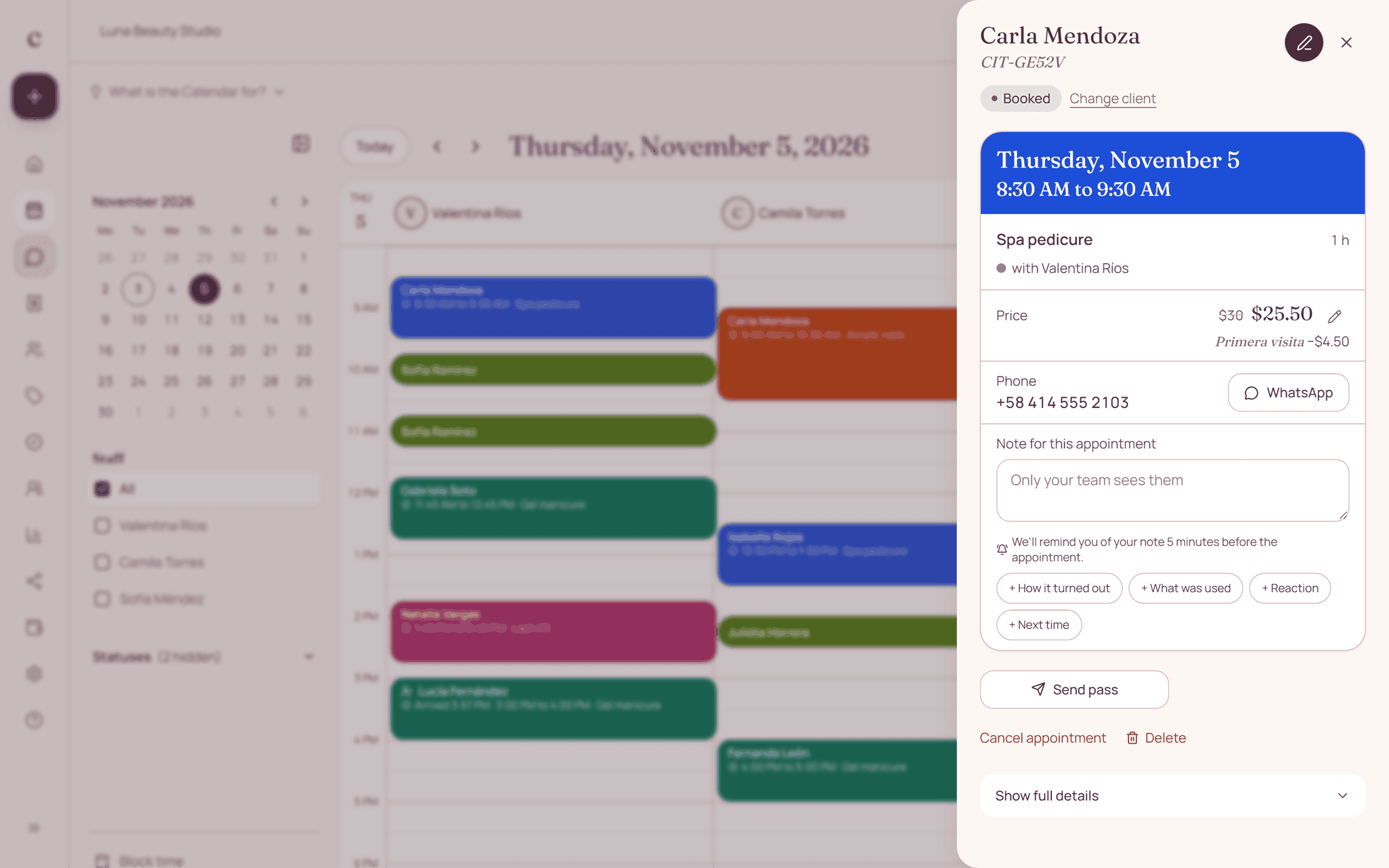
In the app, you confirm and remind by hand, one client at a time. Broadcast lists don't work for this: they only reach people who saved your number, and the text is the same for everyone. For reminders to go out on their own, you need the official WhatsApp channel, which uses approved templates and charges per message. Citalu includes it with CITU on the Estudio and Salón plans: each client gets a reminder 24 hours before and confirms with a button.
How to set up your business profile
Add the name people search for, your address, your hours and your booking link. In the description, say what you do and how to book. Use a clear photo of your logo or your salon. Your profile is the first thing a new client sees.
How to use labels for your appointments
Labels sort your chats by color. Create a few and use them every time: New client, To confirm, Deposit pending and Confirmed. They show you what's missing, but they don't replace a schedule: they won't warn you when two appointments overlap.
The catalog: when it helps
The catalog shows your services inside the chat. It works as a storefront, but it doesn't book times or track how long each service takes. If you already have a booking page, your link shows the same thing and also books.
Common mistakes with WhatsApp Business
Leaving old prices in a quick reply. Promising in your away message that you reply right away. Using your personal number for everything and mixing family with clients. Keeping appointments only in the chat: when it fills up, an appointment gets lost among the messages.
What WhatsApp Business doesn't do
It doesn't know which times you have open, doesn't connect to your schedule and doesn't remind clients of appointments. It also doesn't send automatic messages to your clients, other than the greeting and away messages. Be careful with programs that connect to your account to send messages without the official platform: WhatsApp may block your account.
Messages to copy
Replace what is in brackets and send it on WhatsApp.
[Your business], [specialty] in [city]. Book your appointment here: [your link].
Hi, [name]. Save this number to get my updates and your reminders.
Here are my prices: [your list or link]. You can book your appointment here: [your link].
We're at [address], [landmark]. Here's the map: [map link].
How to put it into practice
- Install WhatsApp Business and register your business number.
- Complete your profile with your address, hours and booking link.
- Turn on the greeting message and the away message.
- Save your quick replies: prices, location, deposit and link.
- Turn on automatic reminders so you can stop sending them by hand.
Frequently asked questions
Is WhatsApp Business free?
Yes, the app is free. Business broadcasts and the official channel for automatic messages cost money: Meta charges for each message, and the price changes by country.
Can I have WhatsApp and WhatsApp Business on the same phone?
Yes, with a different number in each app.
Does WhatsApp Business send appointment reminders?
No. It has a greeting message, an away message and quick replies. You send reminders by hand or with a scheduling app connected to the official channel, like Citalu with CITU on the Estudio and Salón plans.
Do I need WhatsApp Business to use Citalu?
No. Your booking link works with WhatsApp and with WhatsApp Business, and you message CITU from the number you confirmed in your dashboard.
Can I move my regular number to WhatsApp Business?
Yes. When you install the app, you choose your number and keep your chats. Make a backup first.
Will my clients notice that I use WhatsApp Business?
They see your business profile with your hours and your link. For them, the chat works the same.
Bring that order to your schedule
Try Citalu with your services and hours. You get 14 days free to see if it fits your business.