WhatsApp Scheduling: What You Can and Can't Automate
In the free app, only the greeting and away messages are automated. Reminders and confirmations that go out on their own need the official WhatsApp channel. Questions and appointment changes are better answered by you.
By the Citalu team
What the free app automates
WhatsApp Business sends only the greeting message and the away message. Quick replies save you typing, but you send them yourself. None of these tools knows your schedule.
What needs the official channel
A message with the client's name, their service and their time has to come from a system connected to your schedule. That requires the official WhatsApp channel, with templates approved by Meta.
What to automate first
Start with what you repeat the same way every day: the appointment reminder, the confirmation and your day summary. With CITU, all three go out on their own from the Estudio plan.
What changes if you work alone or with a team
If you work alone, start with the reminder: it saves you typing between clients. If you have a team, add the day summary, which reaches you at 8:00 am with that day's appointments. In both cases, your link answers questions about hours.
How to decide what to automate
Ask three questions about each message. Do you write it the same way every time? Does it come from a piece of data in your schedule? Would a mistake bother people only a little? If all three answers are yes, automate it. If not, keep it in your hands.
The full path of an appointment
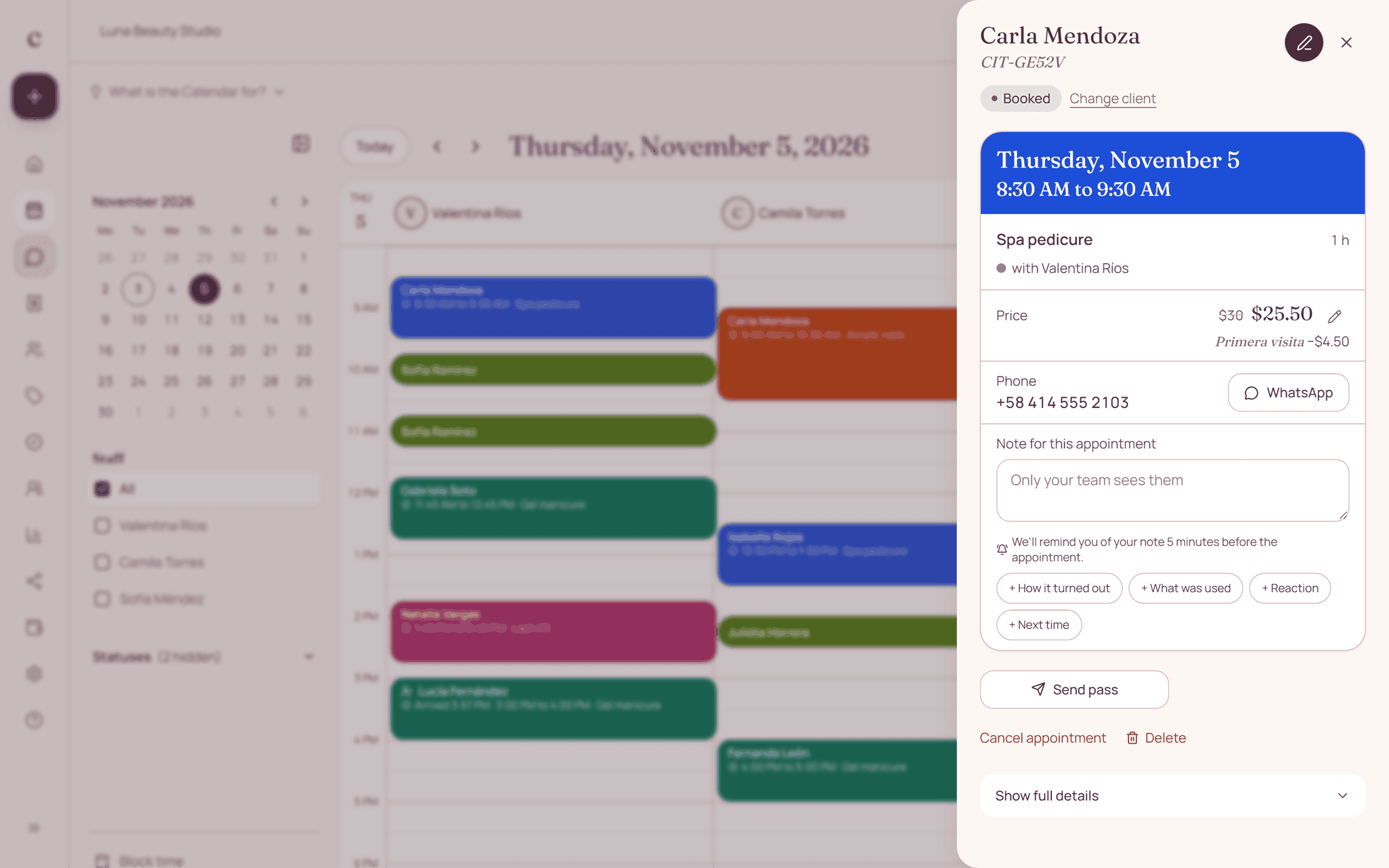
The client books from your link and gets a confirmation. The day before, a reminder arrives and they confirm with a button. 15 minutes after the start time, Citalu asks you whether they showed up. When it's time for them to come back, it lets you know so you can message them.
Your options for automating
The free app covers the greeting and away messages. A connected schedule covers reminders and confirmations without setup. A chatbot answers questions, but you have to build its answers and review them. Start with the simplest thing that solves your problem.
Common mistakes when automating
Automating before you clean up your schedule: the message goes out with old data. Answering a complaint with a bot. Sending too many notices. Using tools that connect to your personal account. Forgetting to review your messages when your prices or hours change.
What you should keep answering yourself
Questions about a treatment, complaints and appointment changes need a person. CITU doesn't chat with your clients: if they reply with anything else, they get your WhatsApp so they can talk to you.
Messages to copy
Replace what is in brackets and send it on WhatsApp.
Hi, thanks for writing to [your business]. Pick your time here: [your link]. If you have a question, send it and I'll reply as soon as I can.
We're closed right now. We'll reply tomorrow from [time]. If you want to book now, go here: [your link].
To change your appointment, tell me which day works for you and I'll find a time. Please give me [hours] hours' notice.
How to put it into practice
- Turn on the greeting and away messages in WhatsApp Business.
- Put your booking link in those two messages.
- Connect your schedule so reminders go out on their own.
Frequently asked questions
Can I automate WhatsApp without paying?
Only the greeting and away messages. Automatic messages on the official channel cost money because Meta charges for each message.
Is it safe to use programs that connect to my WhatsApp?
Programs that don't use the official platform can get your account blocked by WhatsApp. Always ask how they connect.
How do I turn on AI in WhatsApp to book appointments?
WhatsApp comes with Meta's assistant for chatting, but it doesn't know your schedule. To book with AI you need a connected system, like CITU, which uses your services and your hours.
Can I automate from my phone?
Yes. WhatsApp Business is set up on your phone, and CITU works from your WhatsApp, with nothing else to install.
How do I set up automated messages in WhatsApp Business?
Open Business tools, tap Greeting message or Away message, turn it on and save your text.
Can I automate regular WhatsApp?
No. Regular WhatsApp has no automatic messages. For that you need WhatsApp Business, which is free.
How do I send lots of messages without WhatsApp restricting me?
Write only to people who agreed to receive them and use a broadcast list or the official channel. Programs that send in bulk from your personal account are the ones that put your number at risk.
Does automation cost me the personal touch?
It depends on what you automate. A reminder doesn't need a person. A question or a complaint does, which is why CITU doesn't chat with your clients.
Do I need to know about technology?
No. In Citalu you confirm your number in the dashboard and the reminders go out on their own.
Bring that order to your schedule
Try Citalu with your services and hours. You get 14 days free to see if it fits your business.