WhatsApp or a Booking Link for Appointments
WhatsApp works for chatting and clearing up what a client needs; a booking link lets clients pick services and times from a page. You can combine both, keeping your schedule as the record of confirmed appointments.
By the Citalu team
When chatting makes sense
If a client doesn't know which service she needs, or needs a consultation first, a conversation can prevent a wrong booking. It also helps explain exceptions. The problem starts when the time stays only in the chat and nobody records it.
When the link helps
For a defined service, the client can check availability without trading several time proposals. Send her to the right service and explain the steps. Sharing the link doesn't turn the app into an assistant that reads or answers conversations.
Avoid two sources of truth
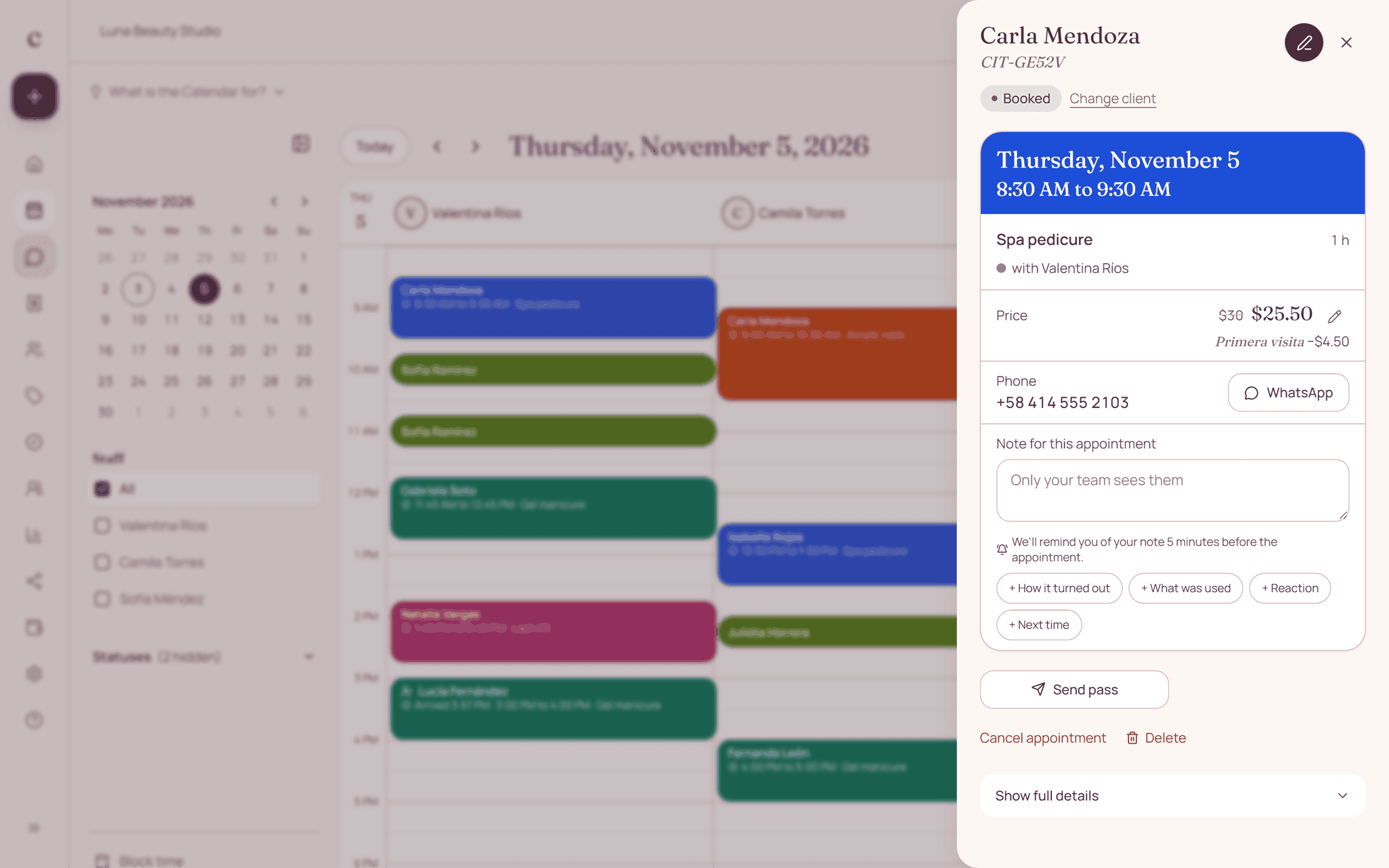
If you agree on an appointment by message, record it before you offer that time to someone else. Don't keep a separate list of "WhatsApp" appointments apart from the online ones. Check changes too: a message with a new time needs its update in the schedule.
The differences at a glance
| Situation | Chat conversation | Citalu link |
|---|---|---|
| Choosing a technique | Lets you clear up needs | Shows the catalog and descriptions |
| Finding a time | Trading options by hand | Checking available times |
| Recording the appointment | Has to be copied to the schedule | Built into the public booking flow |
How to put it into practice
- Spot the questions that need a conversation.
- Use direct links for defined services.
- Record every agreement made in the chat.
A common question
Does Citalu send these chats for me?
No. Your conversations stay yours. On the Estudio and Salón plans, CITU sends each client the reminder for her appointment on WhatsApp and lets you book by messaging it, but it doesn't chat with your clients.
Bring that order to your schedule
Try Citalu with your services and hours. You get 14 days free to see if it fits your business.