Appointment Scheduling Software for Personal Trainers
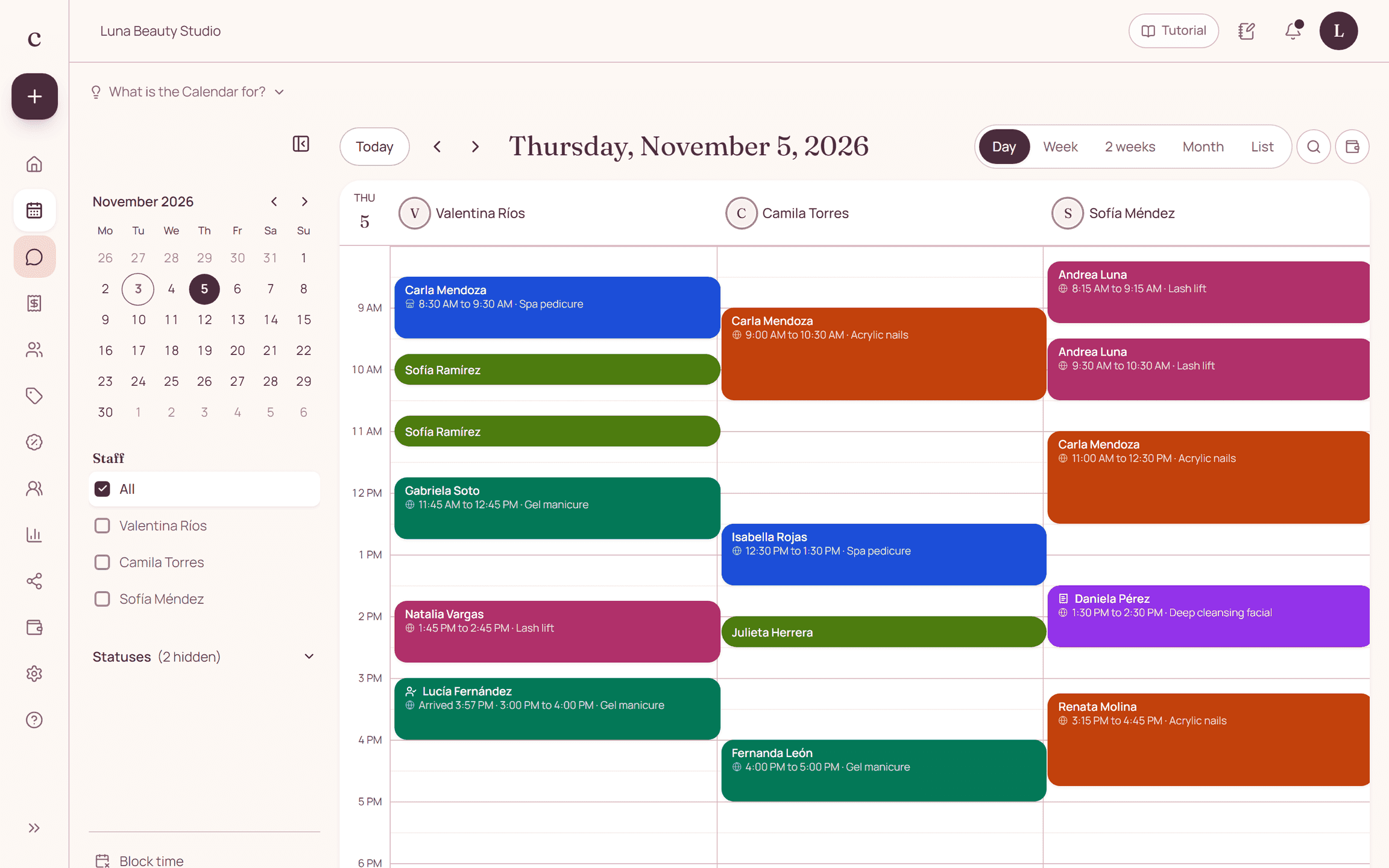
A personal trainer coordinates sessions with each client by chat, and a last-minute cancellation leaves an empty slot. In Citalu the client books a session from your link, gets the WhatsApp reminder and cancels within the window you choose. Citalu schedules one-on-one sessions, not group classes.
By the Citalu team
Sessions with their length
Set up the 60-minute session, the 45-minute one or the initial assessment as separate services. Add the minutes you need to travel if you train in different places.
Your hours, with your travel time
Mark the days and hours you train, and block your travel time or your own workouts. The client only sees the times you really have open.
Fewer last-minute cancellations
Choose how many hours ahead a client can cancel from the link. Starting with the Estudio plan, the client gets the WhatsApp reminder with a button to confirm.
How to put it into practice
- Add your sessions with their length and travel time.
- Mark your hours and block your own workouts.
- Send your link to your clients on WhatsApp.
Frequently asked questions
Does it work for group classes?
No. Each time slot is for one person. Citalu works for one-on-one sessions and assessments.
Can a client book several sessions?
Yes, they book each session from your link. You can also schedule them yourself from the dashboard.
Bring that order to your schedule
Try Citalu with your services and hours. You get 14 days free to see if it fits your business.