Salon Booking Software That Works on Your Phone
You use Citalu from your phone's browser, with nothing to download. At the bottom you have Home, Schedule, Payments, Services and More; the + button creates an appointment from any screen, and with CITU you book by WhatsApp. You zoom in on today's schedule with two fingers.
By the Citalu team
Everything within thumb reach
The bar at the bottom leads to Home, Schedule, Payments, Services and More. The + button floats on every screen so you can create an appointment without hunting for it. At the top, the date opens a mini calendar that folds away to make room for the schedule.
Your schedule in the palm of your hand
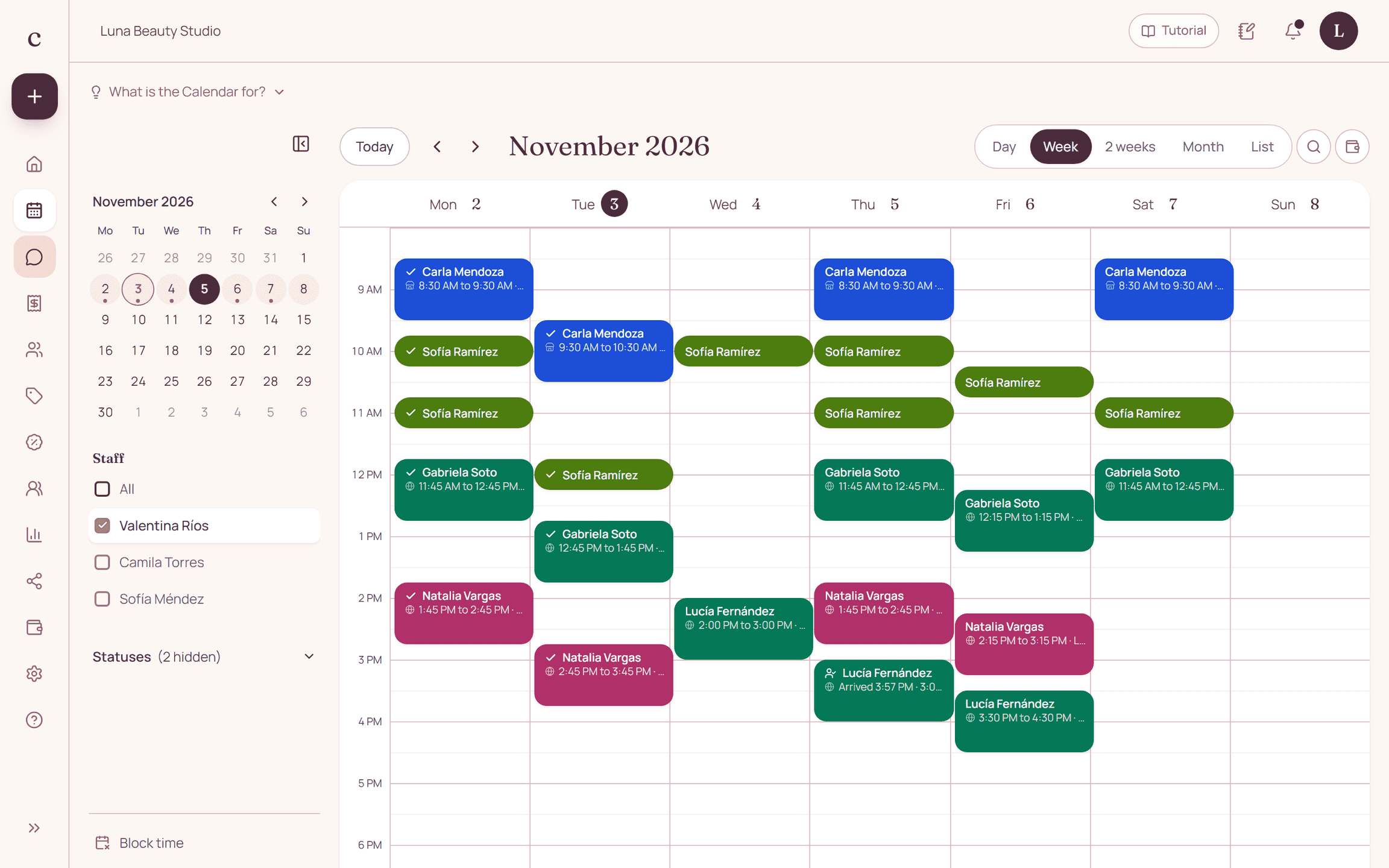
You see the day, the week, two weeks, the month or a list. Each appointment carries its service's color and its attendance circle. With two fingers you zoom the grid in until you see 5-minute steps, and you tap a gap to create an appointment right there.
Create an appointment while you work
With + you pick the client, the service and the time, and save. If she messaged you on WhatsApp, you forward her message to CITU and it suggests the appointment, so you just tap Book.
Nothing to install
The dashboard opens in the browser on your phone and on your computer with the same account. What you change in one shows up in the other.
How to put it into practice
- Open citalu.app in your phone's browser and log in.
- Tap + and create a test appointment.
- Zoom in on the schedule with two fingers and check your day.
Frequently asked questions
Do I have to download an app?
No. Citalu works in the browser on your phone and your computer.
Can my employees use it on their phones too?
Yes. On the Estudio and Salón plans, each staff member logs in with their own account and sees what you allow.
Bring that order to your schedule
Try Citalu with your services and hours. You get 14 days free to see if it fits your business.