Booking Software for Brow Studios
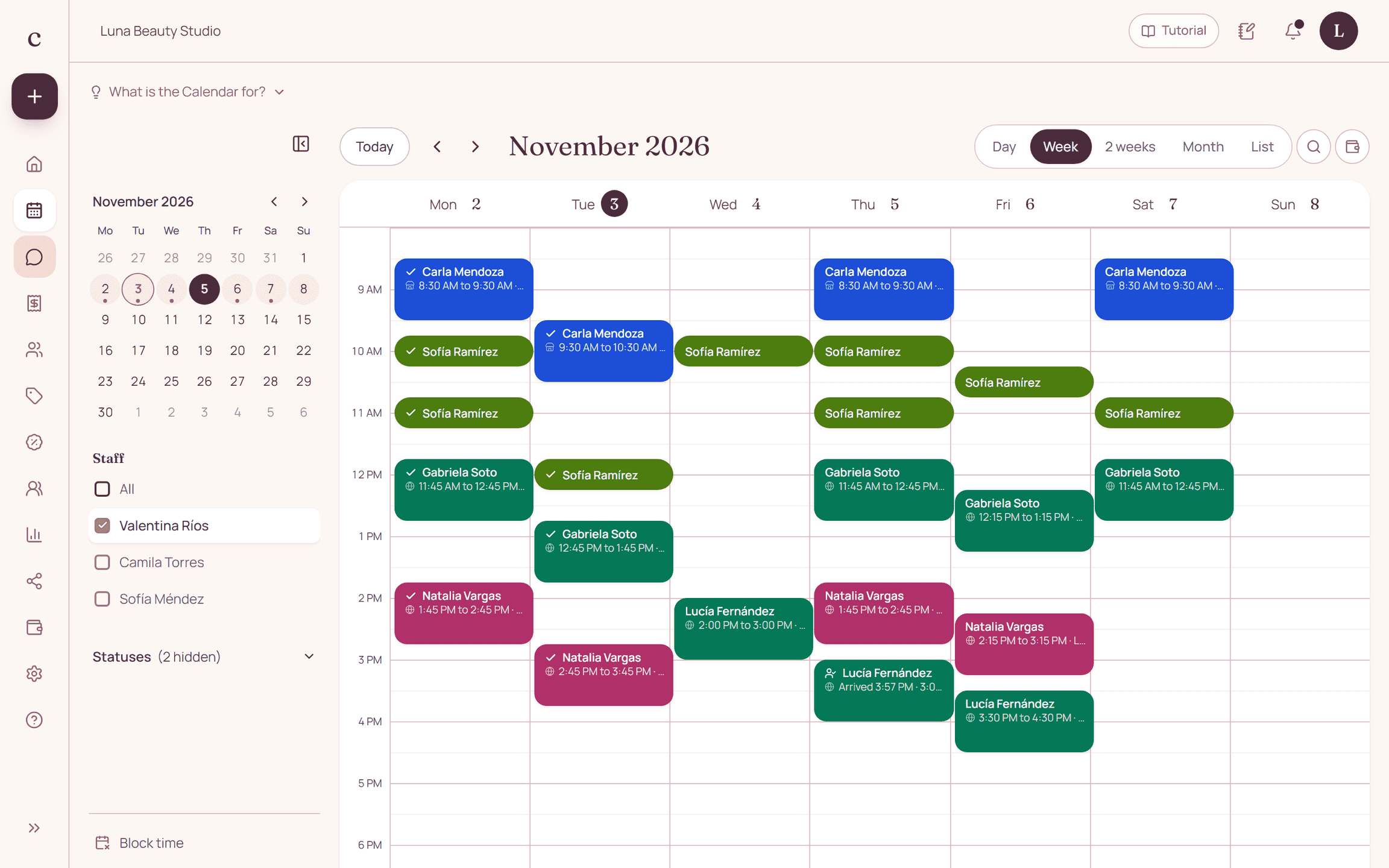
A brow schedule works best when each technique is a recognizable service with its own reserved time. Citalu lets you publish that service menu and show open times for the provider the client picks.
By the Citalu team
Names that help clients choose
A new client should not have to decode internal shorthand. Explain what a brow design, a shaping or a lamination includes and when she needs to check with you first. If you offer a bundle of services, describe what is in it and the total appointment time.
Short appointments can run late too
Several short appointments back to back leave little room for consultations or prep. Check the full length, not just the minutes of the work itself. A service menu that books less time than needed pushes the whole day back, even if every booking came in correctly.
Keep booking separate from professional advice
The public description should guide the choice without replacing an individual assessment. Give any instructions through the right professional channel. Citalu organizes services and bookings; it does not check contraindications or manage clinical consent forms.
How to put it into practice
- Write a short description of what each technique includes.
- Assign each service only to the person who does it.
- Open the public link and check that a new client can tell the options apart.
A common question
Can I share a specific technique?
Yes. Each service has its own link, so you can send the client to the option you explained to her.
Bring that order to your schedule
Try Citalu with your services and hours. You get 14 days free to see if it fits your business.