Color-Coded Calendar: One Color for Each Service
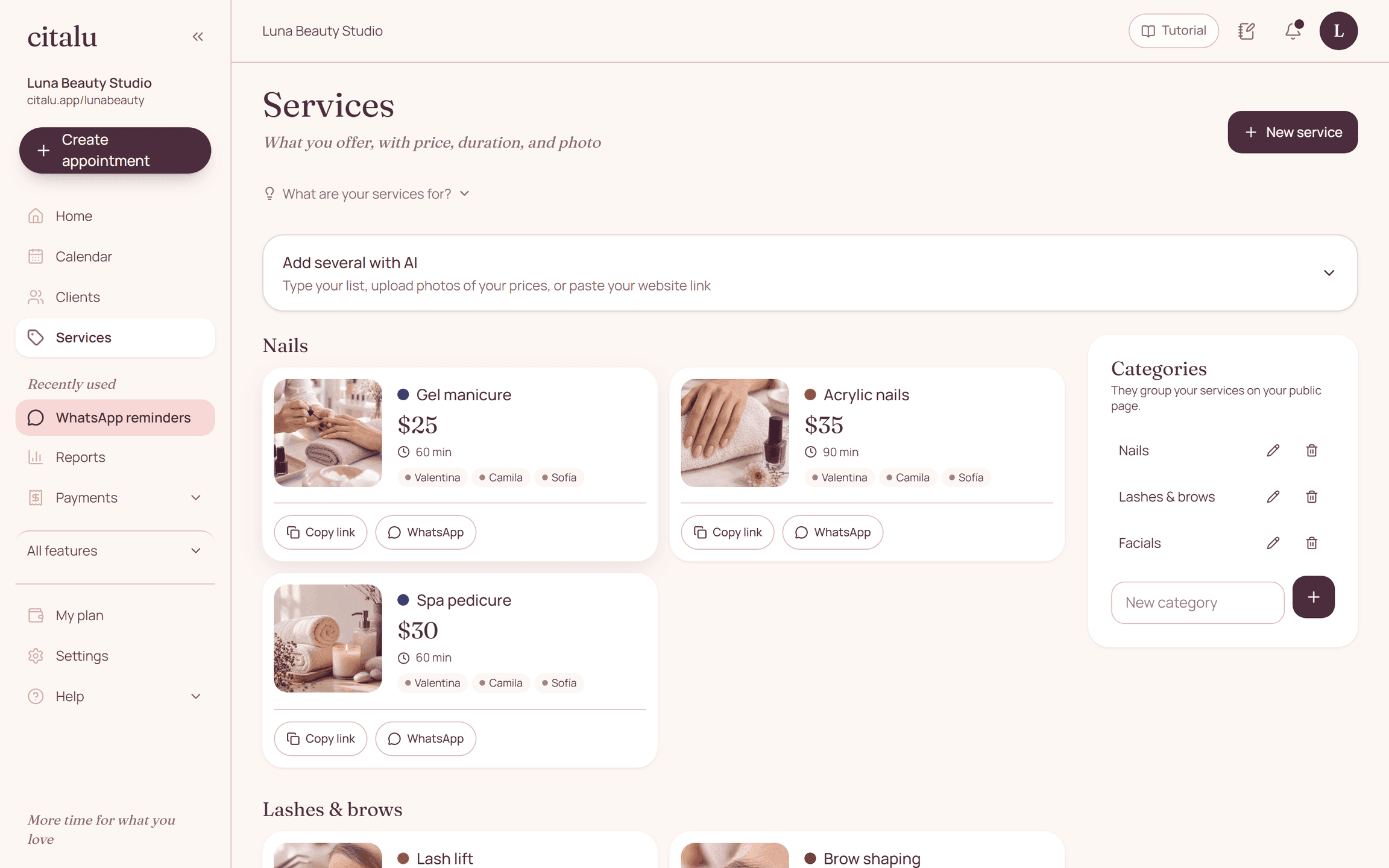
On Citalu's schedule, each appointment is painted in its service's color. You pick the color when you edit the service; if you don't, Citalu assigns one in order. There are 9 brand shades that read well with white text and stay distinct with color blindness.
By the Citalu team
What the colors are for
You see the day without reading each appointment: which long services are coming, where the short ones are, and what kind of work each staff member has. In a waxing studio, for example, a full body and an underarm session look different at a glance.
The same color across the dashboard
The service color appears on the schedule, next to its name in Services and when you create an appointment. That way you recognize the service before you read it.
How you choose them
In Services, when you create or edit a service, tap one of the 9 colors. If you don't choose, the color comes from the order of your service menu, so nothing is left gray.
Colors that are readable
The 9 shades were tested with white text (a contrast of 4.9 to 1 or more) and so they stay distinct for the common types of color blindness. Appointment status changes the shape, not the color: a canceled one looks different without losing its service.
How to put it into practice
- Open Services and tap a service to edit it.
- Pick its color and save; repeat for the ones you want to stand out.
- Open the schedule and check that each service stands out.
Frequently asked questions
Can I use my own color?
You choose from 9 brand shades, tested so the text stays readable and they stay distinct from each other.
What color are Google Calendar appointments?
Their own shade with a "G", so they don't get mixed up with the appointments for your services.
Bring that order to your schedule
Try Citalu with your services and hours. You get 14 days free to see if it fits your business.