Scheduling Software for Hair Removal and Waxing Studios
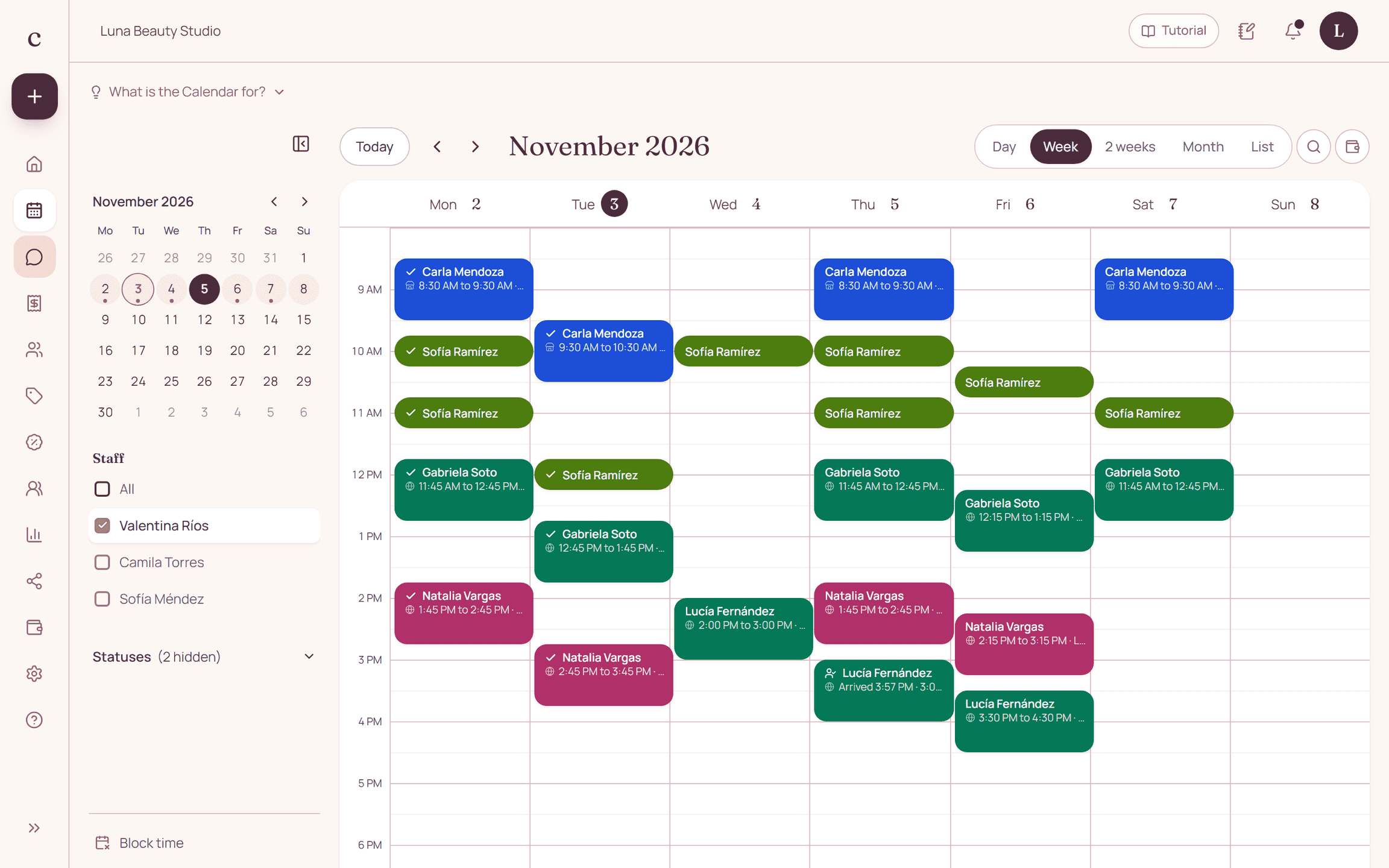
A hair removal schedule has to tell areas and treatment times apart. In Citalu you can create separate services and combine several in one booking, while also checking the shared equipment your studio uses.
By the Citalu team
Organize by area and method
Use names that make the booked area and the method offered clear. Two services with similar prices can need very different times. If a combination needs an evaluation first, describe that step instead of posting a length your team doesn't know yet.
Add up the session time
When a client asks for several areas, check the full block and the staff member responsible. Don't leave extra areas only in a note if they change the length. The note helps coordination, but it shouldn't replace the services that set the booked time.
Coordinate equipment and rooms separately
Citalu's availability is set per staff member, not per machine or treatment room. If two people share a piece of equipment, you need an extra procedure to avoid offering it at the same time. Citalu also doesn't automatically manage prepaid packages or keep a medical record of treatments.
How to put it into practice
- Separate the areas that change price or length.
- Test a booking with two services and check the total time.
- Decide who coordinates use of the shared equipment.
A common question
Does the schedule assign a machine automatically?
No. You need to coordinate shared resources separately and reflect their limits in how you organize appointments.
Bring that order to your schedule
Try Citalu with your services and hours. You get 14 days free to see if it fits your business.