Nail Salon Software for Booking and Scheduling
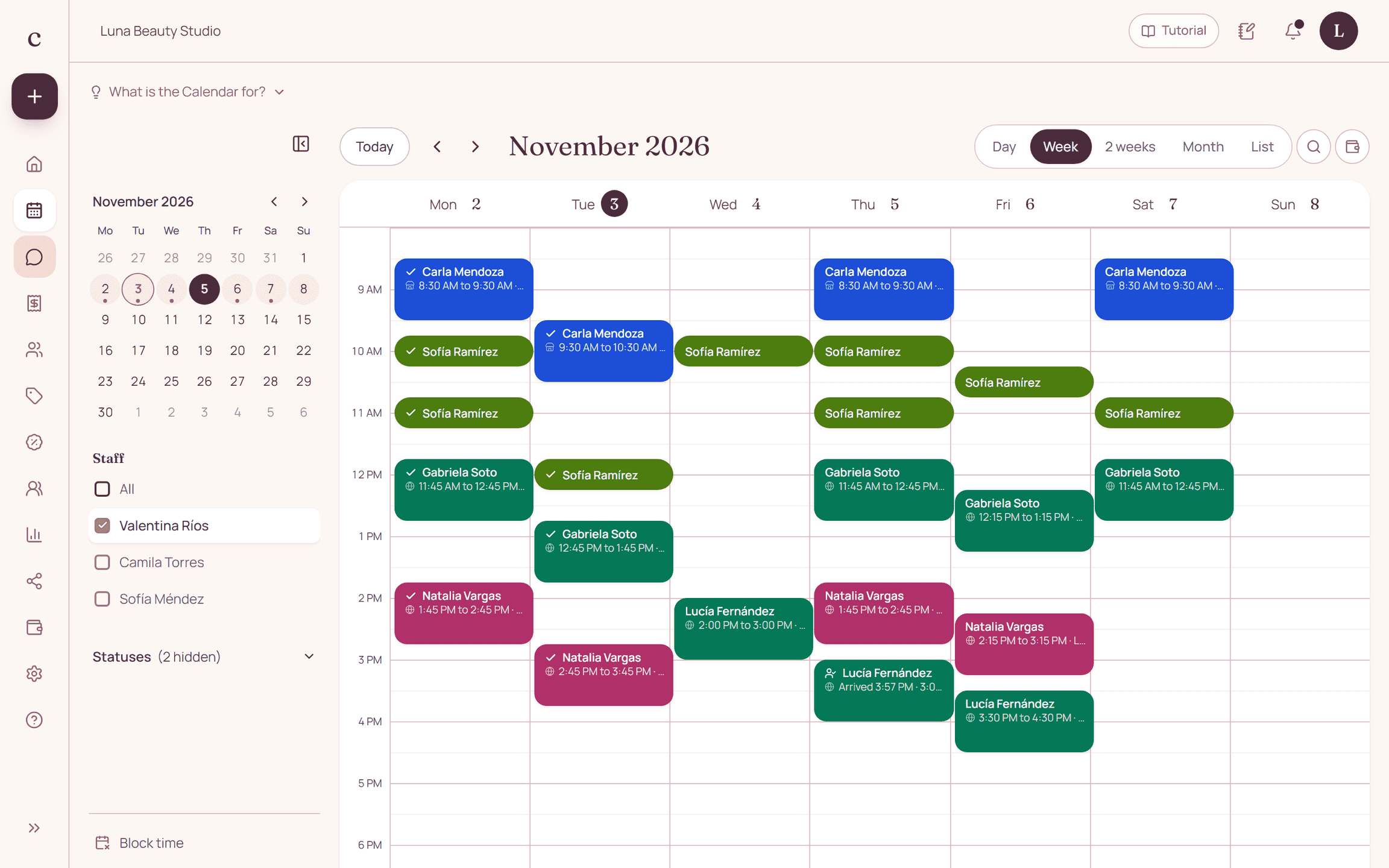
A nail salon's schedule has to tell a full set, a fill and a removal apart. Citalu lets you define services with their price and length and assign them to the nail techs who do them.
By the Citalu team
Removal needs a place in the appointment too
A polish booking can fall short if the client arrives with a product you have to remove. Explain when she should add that service or check with you. Don't use one name for procedures that need different amounts of time, because availability is calculated from your service menu.
Each technique with its tech
Check who does acrylic, gel, manicures or pedicures before you publish. Don't assign the whole menu to the whole team for convenience. When a tech's hours change, update her schedule and keep the appointments already agreed under review.
Agree on designs before you block the morning
If a design needs an assessment, photos or a different quote, say so in the description. The schedule organizes appointments, but it does not automatically calculate how hard a design is or track your polish inventory. Confirm the scope with the client before you promise a fixed length.
How to put it into practice
- Separate application, removal and fill in your service menu.
- Check lengths against real workdays, not the fastest case.
- Share the link to the right service when you reply on Instagram.
A common question
Does Citalu track my supplies?
No. The service menu organizes services and appointments; tracking supplies needs a separate record.
Bring that order to your schedule
Try Citalu with your services and hours. You get 14 days free to see if it fits your business.