Overlapping Appointments: Double-Book Only When You Choose
Citalu doesn't let two clients take the same time with the same staff member. If you want to overlap an appointment on purpose, for example a short service during another client's waiting time, you see a warning when you save and choose "Book anyway" or "Cancel". The schedule shows both side by side and marks the clash with a red band.
By the Citalu team
The usual rule
Your booking page never offers a time that's already taken. If two clients tap the same time at once, only one gets it and the other sees nearby times.
You decide the exception
When you create an appointment by hand on top of another, Citalu tells you which appointment it overlaps and what the nearest open times are. You choose "Book anyway" or "Cancel". Only the owner can overlap appointments; a staff member can't.
How it looks on the schedule
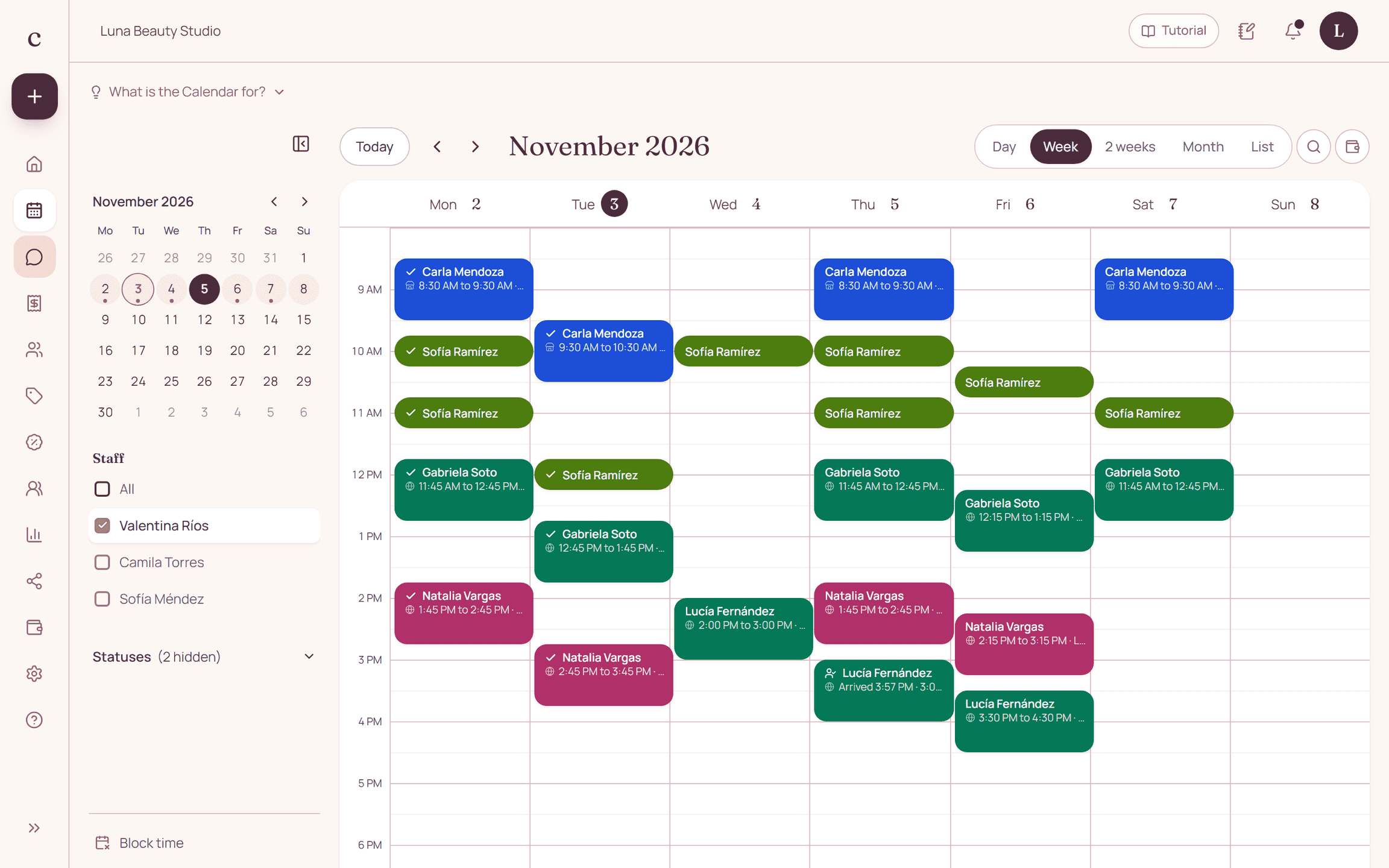
Overlapping appointments sit side by side, and the stretch where they clash is marked with a red band that says "Overlapping". If one of them changes time, it goes back to the normal rule.
How to put it into practice
- Create the appointment by hand at the time you need.
- Read the warning showing the overlapping appointment and the nearby open times.
- Tap "Book anyway" if you want to overlap it.
A common question
Does my booking page offer overlapping times?
No. Clients only see open times. Overlapping is something the owner decides from the dashboard.
Bring that order to your schedule
Try Citalu with your services and hours. You get 14 days free to see if it fits your business.